
For most December gift-givers, the right robot kit is a programmable build-and-code set matched to the recipient's reading level and patience — not the most expensive or most advanced model on the shelf. If you need a single safe default for a child aged roughly 8 to 14, choose a block-based coding kit with pre-cut structural parts, a rechargeable battery, and printed step-by-step builds; for a teenager or adult beginner, choose a microcontroller-based kit that uses real code and standard components.
The reason is simple: robot kits fail as gifts far more often from mismatched difficulty than from poor hardware. A kit that stalls on day one gets shelved, and a kit that finishes in twenty minutes gets forgotten. Everything below is about matching the kit to the person, and about the practical details — batteries, software, spare parts — that decide whether the thing is still in use in February.
Table of Contents
- Match the kit to the builder, not the box age rating
- The three broad categories, and who each one suits
- What to check before you pay
- Budget tiers and what more money actually buys
- Buying in December specifically
- Frequently Asked Questions
Match the kit to the builder, not the box age rating
Age ranges printed on robotics packaging describe the smallest hands that can assemble the parts, not the patience or reading level needed to finish. A capable 9-year-old who already follows long LEGO instruction books will handle a kit labeled 10+; a 12-year-old who has never used a screwdriver may not. Three questions predict fit better than the age label.
Has the recipient finished a long instruction-driven build before? Can they read and follow a sequence without an adult beside them? And do they already type on a computer, or only tap a tablet? That last one matters because text-based coding kits assume a keyboard and a desktop or laptop. If you cannot answer those questions, bias toward the simpler kit. A builder who outgrows a kit in a month has still had a good month, and expansion sets or a second kit are an easy follow-up. A builder who is defeated by one usually does not come back to the category.
The three broad categories, and who each one suits
.
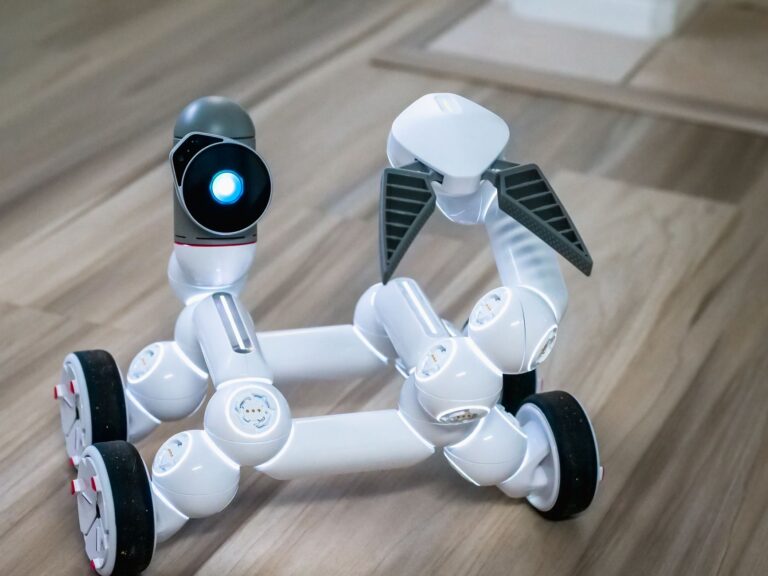
- *Snap-together coding robots.** These arrive mostly assembled or use large interlocking parts, and they are programmed by dragging visual blocks on a tablet or computer. They suit roughly ages 6 to 11 and anyone who wants the robot working the same afternoon. The trade-off is a ceiling: once the recipient has done line-following and obstacle avoidance, the kit has largely shown what it can do.
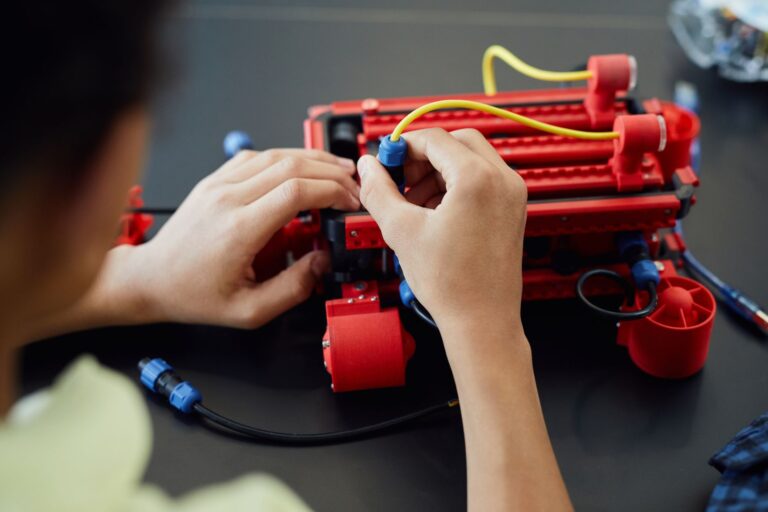
- *Structural build kits.** These use beams, brackets, gears, and motors with dozens or hundreds of fasteners, and typically support both block coding and a text language. They suit roughly ages 10 to 16 and reward mechanical curiosity — the builder learns gear ratios and linkages, not just code. Expect several hours for the first build and expect to help find a dropped screw.
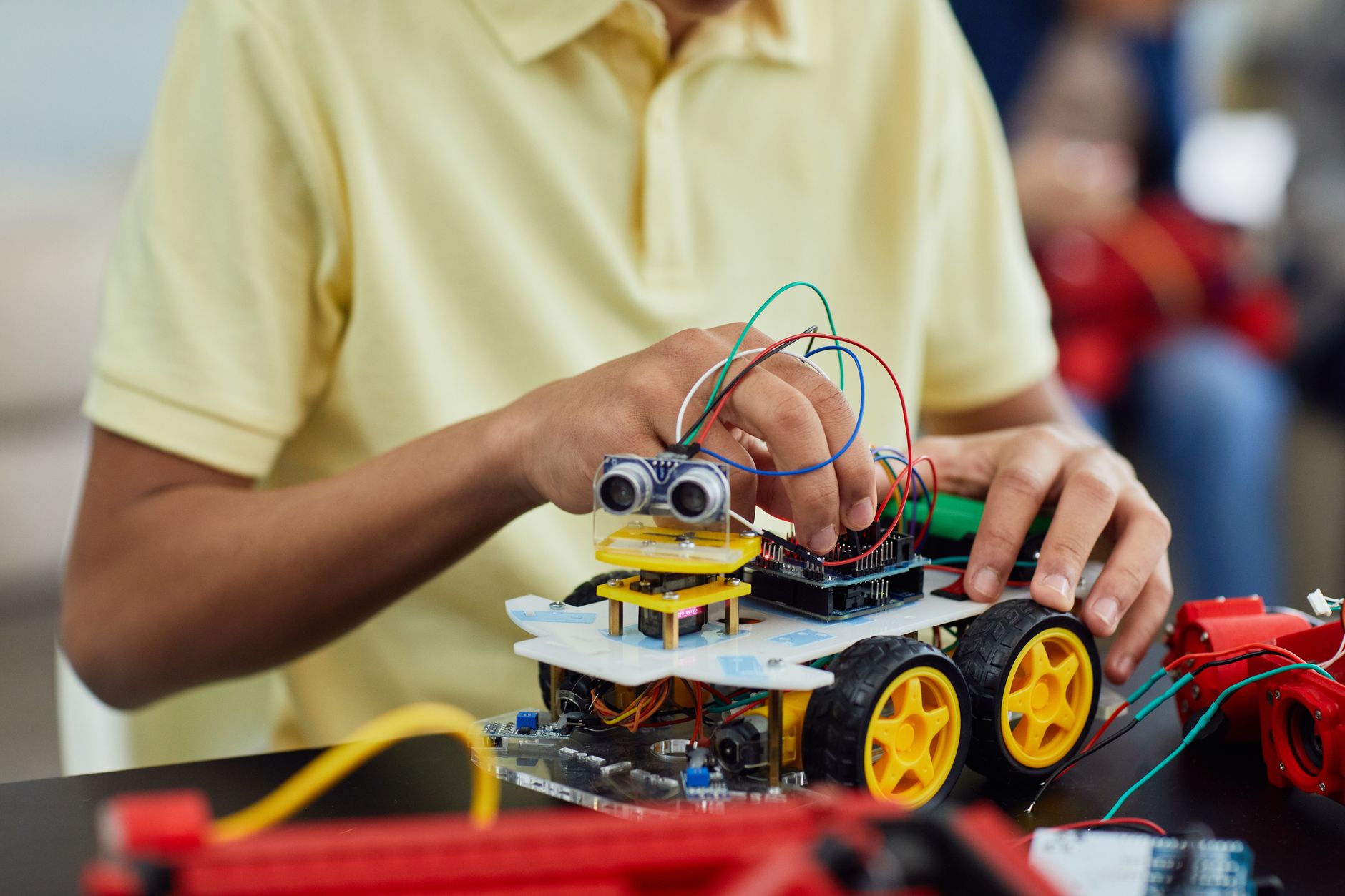
- *Microcontroller kits.** These are built around a small programmable board (an Arduino-compatible board, a Raspberry Pi, a micro:bit, or similar) plus motors, sensors, a chassis, and jumper wires. They suit teenagers and adults who want transferable skills, because the parts and the code are the same ones used in real hobby and prototyping work. They are also the least forgiving: wiring errors are silent, and the documentation quality varies enormously between brands.
What to check before you pay
The specification that most often ruins a robot kit is power. Kits running on disposable AA batteries drain them fast under motor load, and a child who has to ask for new batteries every session will stop asking. Prefer a rechargeable pack with a USB charging cable, and if the kit takes AAs, buy a charger and eight rechargeables alongside it.
Software is the second trap. Check what the kit's programming app actually runs on before you buy, against the device the recipient really owns. Third, look for spare parts. Small screws, axles, and a single plastic bracket are the components that go missing, and a kit with no replacement-parts page becomes unrepairable the first time one vanishes under a sofa.
- Does the app run on their platform — iPad, Android tablet, Windows, or macOS — or does it need a computer they do not have?
- Is a Bluetooth connection required, and does their device have it?
- Does the app require an account, a subscription, or an internet connection to open saved projects?
- Are the build instructions in the app only, or also on paper? Paper instructions survive a dead tablet.
- Does the manufacturer publish downloadable instructions and firmware on its own website, so the kit still works if the app is withdrawn?
Budget tiers and what more money actually buys
At the entry level you are buying a single finished robot: one chassis, a couple of motors, one or two sensors, and a visual coding app. This is the right tier for a first robot and for a gift where you are unsure of the recipient's interest. The middle tier buys reconfigurability. More motors, more sensors, a larger parts inventory, and instructions for several different models mean the kit is a platform rather than a single object. This is where a genuinely interested builder gets the most months of use, and it is the tier most often worth the upgrade.
The top tier buys precision, metal parts, and competition compatibility — relevant mainly if the recipient is heading toward a school robotics team, in which case the team's own required platform matters more than any general recommendation. Ask the coach or team before buying at this level, because competition rules often restrict which parts are legal. Above a certain price, you are usually buying a consumer humanoid or quadruped robot rather than a kit. These are impressive on arrival and are often closed systems with limited programming depth. If the goal is learning, a cheaper build kit teaches more.
Buying in December specifically
Give yourself a shipping buffer. Robot kits ship from a smaller set of specialist retailers than mainstream toys, and a kit that is out of stock in mid-December may not restock until January. Order early, and have a second choice in mind rather than defaulting to whatever is still available on the 20th.
Plan for the first session, not just the unwrapping. Charge the battery or buy the batteries in advance, install the app before gift day and confirm it opens, and check whether the kit needs a firmware update on first connection — that update usually requires a working internet connection, which holiday travel may not provide. Finally, keep the packaging and the receipt until the first successful build. If the kit turns out to need a device the household does not have, or the app no longer supports an older tablet, that is a return, and a sealed-box return is far easier than a half-built one.
Frequently Asked Questions
Is a kit that needs assembly better than a pre-built robot?
For learning, yes — building teaches mechanics and makes repairs possible. For a recipient with limited patience or fine-motor difficulty, a pre-built programmable robot removes the barrier that would otherwise end the gift on day one.
Should I buy a kit that uses a proprietary connector system or standard parts?
Proprietary systems are easier to assemble and harder to extend. Standard parts — M3 screws, common sensor modules, jumper wires — mean the recipient can add components from any supplier later, which matters if they stay interested.
What if the recipient already has a robot kit?
Buy an expansion: extra sensors, a second motor set, or a compatible accessory pack. Check compatibility by generation, not just brand, because manufacturers change connectors between product lines.