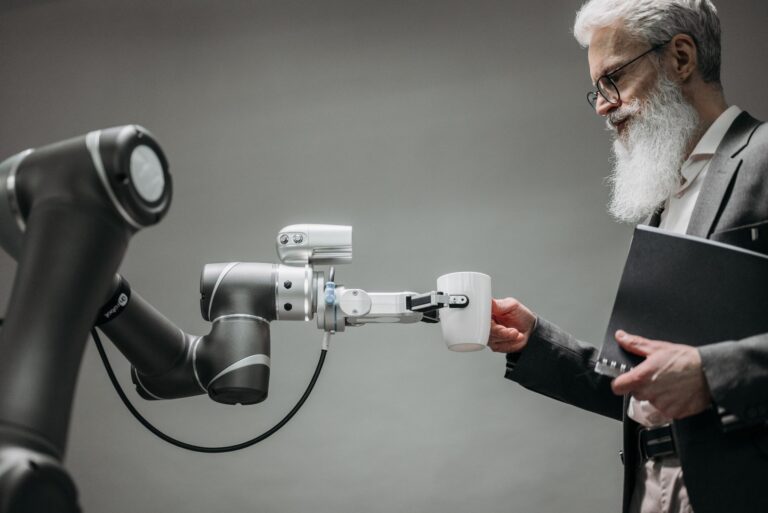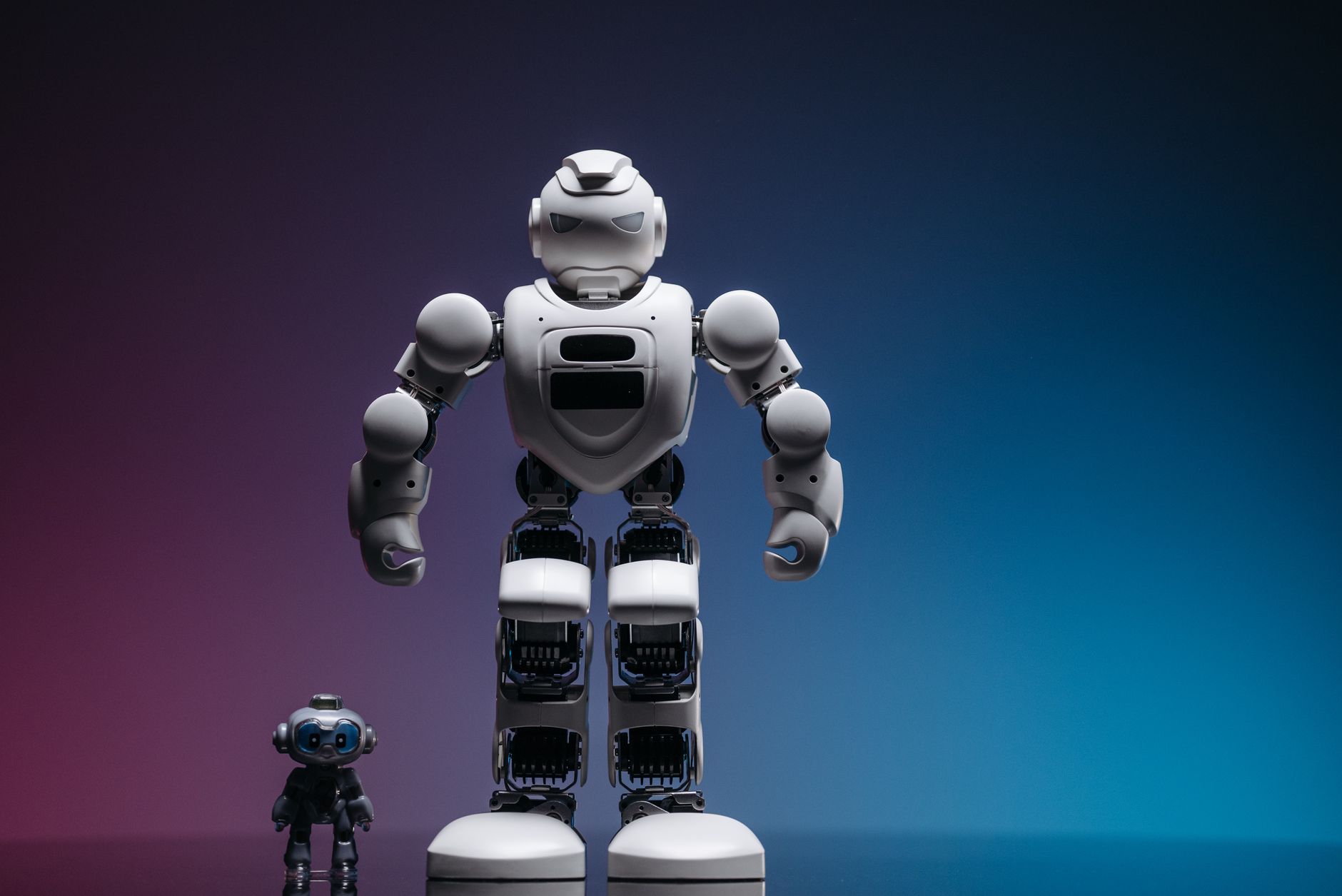

An NVIDIA Isaac robotics implementation moves through design choices, simulation testing, real-world validation, and monitored deployment. NVIDIA Isaac is NVIDIA's robotics platform, combining simulation tools, robot software libraries, and onboard computers for tasks like perception and navigation.
This checklist suits teams building mobile robots, arms, or inspection systems with Isaac simulation and ROS-based software. ROS is the common open robot middleware for passing messages between sensing, planning, and control. Use it to spot gaps before you commit hardware and test time.
Table of Contents
- What should the design lock down first?
- Setting up software, sensors, and compute
- How do you test in simulation first?
- What proves the robot works on site?
- Deploying without losing track of the fleet
What should the design lock down first?
Define the robot job in concrete terms. Include payload, speed, workspace, lighting, weather, and people nearby. These choices drive sensor, compute, and power needs. Confirm scope before buying parts. Name the task, site, safety limits, and outside links.
Agreement here prevents costly rework later. Choose sensing, motion, and compute for that job. Typical setups pair cameras with depth sensing, lidar, wheel odometry, and an inertial sensor. Match range, field of view, and update rate to stopping distance and map detail. Leave processing, memory, and battery headroom for logging, safety checks, and later changes.
- task and success measure: pick, move, inspect, or guide
- operating area: indoor floor, outdoor path, or mixed site
- safety limits: stop distance, speed cap, and human contact rules
- outside links: fleet software, buttons, lights, or dashboards
Setting up software, sensors, and compute
Start from a clean software baseline. Pin the operating system, drivers, middleware, and Isaac libraries in one build document. Rebuild from that document so every machine matches. Wire sensors and compute with time in mind. Synchronize clocks, calibrate cameras and lidar to the robot frame, and check transforms.
A transform is the stored position link between two parts, such as camera and base. Poor calibration creates drift that looks like bad navigation. Build a simple bring-up test. Power on, confirm each sensor streams, drive or move joints slowly, and log data. Fix loose mounts, noise, and power drops before writing autonomy.
How do you test in simulation first?
Use simulation to test risky cases without breaking hardware. Isaac Sim is NVIDIA's simulator for scenes, sensors, and physics. Build a scene that matches aisle width, lighting, slopes, and clutter. Run the same edge cases on every build.
Cover weak signals, blocked paths, and load shifts. Keep the set small enough to run often. Judge simulation runs by clear pass rules. Track route completion, collisions, grasp success, stop time, and compute load. Change one variable at a time so fixes stay traceable.
- sensor trouble: noise, dirt, glare, and low light
- site change: blocked aisles, moving people, and shifted pallets
- machine change: wheel slip, heavier load, and weak network
What proves the robot works on site?
Move to controlled real tests after simulation passes. Start in a taped-off area with a handy safety stop. Repeat core routes and grasps while recording sensor data and compute use. Expand conditions step by step.
Add light change, floor change, crowd flow, and longer runs. Watch for issues simulation misses, such as glare, vibration, loose cables, and dust. Freeze a release candidate when behavior holds. Save software versions, maps, calibration files, and test logs together. Require clean runs across shifts before wider use.
Deploying without losing track of the fleet
Deploy in stages with a way back. Ship to one robot or cell first, then expand. Track task success, interventions, battery health, and software errors. Tie maintenance to site and software changes.
Clean and inspect sensors, check mounts, and update maps after layout moves. Test each update in simulation before touching production. Assign owners for fleet checks and incident response. Keep a single runbook with stop procedures, contacts, log locations, and recovery steps at each site.