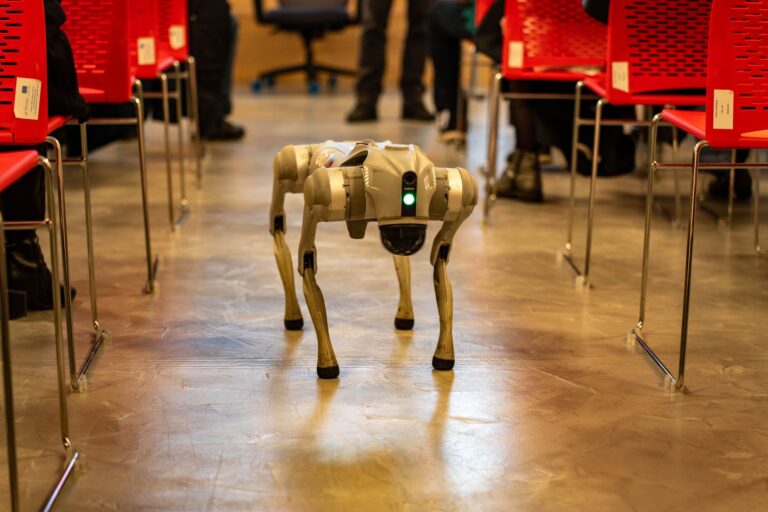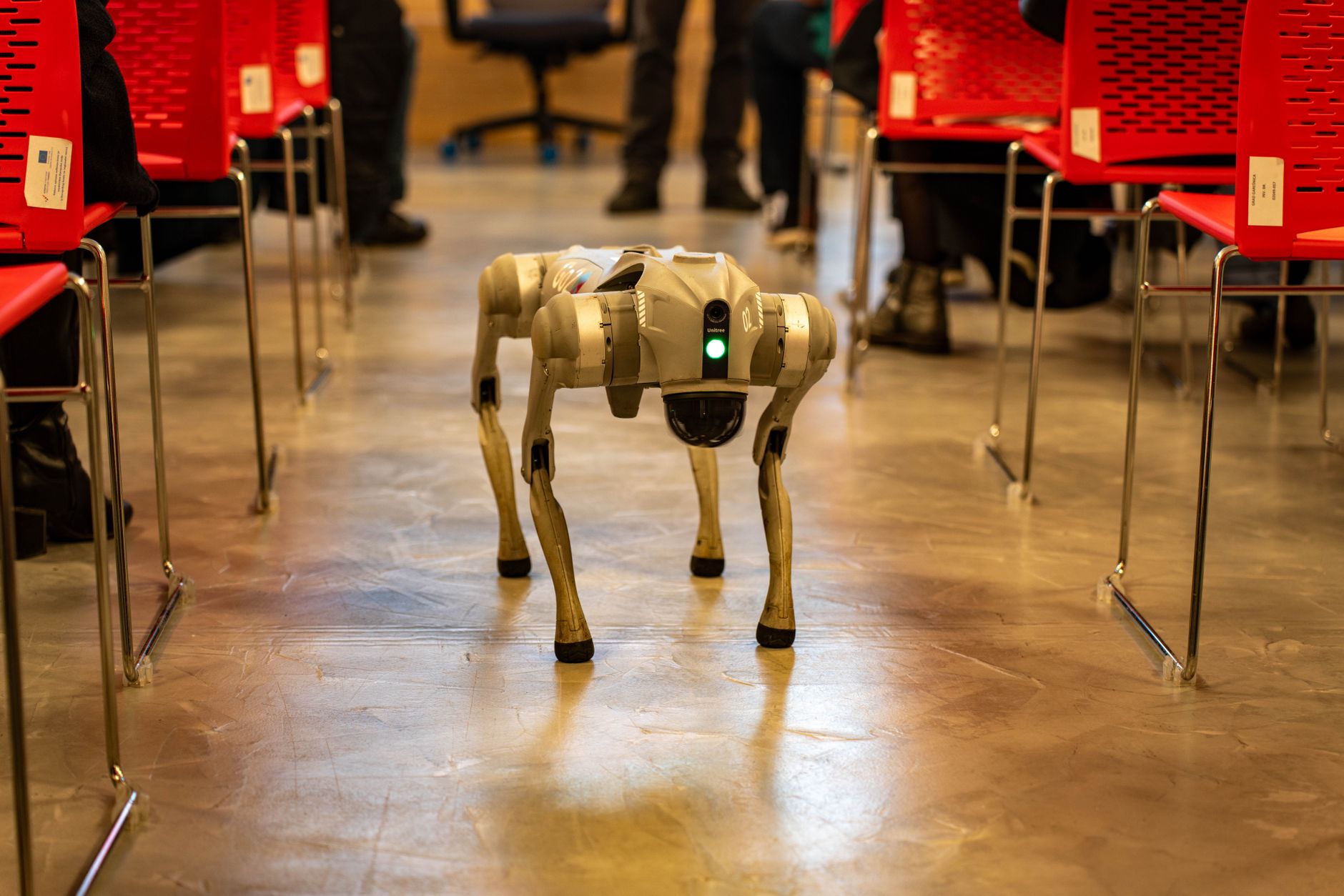

Spot is a four-legged mobile robot designed to walk through industrial and outdoor environments and carry sensing payloads. It pairs legged mobility with onboard perception and software control to inspect, map, and monitor sites.
Operators direct it by remote control, taught routes, or programmed missions. Readers considering Spot usually need to know what it contains, how it navigates, and where it adds value. The sections below break down its main parts, movement, core tasks, and practical limits.
Table of Contents
- What Is Spot Made Of?
- How Does Spot Move and Navigate?
- What Tasks Can Spot Perform?
- Where Does Spot Add the Most Value?
- What Limits Should You Plan For?
What Is Spot Made Of?
Spot moves on four articulated legs with joint drives that adjust stance and balance. A compact body holds batteries, control electronics, and cooling in an enclosed package that resists dust and moisture. Its low stance helps it stay stable on uneven ground. Depth cameras and motion sensors track footing, tilt, and nearby obstacles.
Onboard computing fuses those inputs to keep balance and build a local view of surroundings. Operators view camera feeds and robot status through a handheld controller or desktop software. Mounting points and data connections accept cameras, scanners, gas sensors, and radios. An optional arm can open doors, turn hand wheels, or grasp light objects. A software interface lets teams set behaviors, handle readings, and connect Spot to plant systems.
How Does Spot Move and Navigate?
Spot walks, trots, climbs stairs, and steps over pipes, curbs, and debris. It shifts weight and foot placement to recover from slips or bumps. That gait suits plants, tunnels, and construction areas where wheels snag. For navigation, Spot combines live obstacle avoidance with taught routes.
An operator can drive it manually for a first look or record a path for repeat runs. On repeat runs, Spot follows waypoints, pauses for readings, and returns to a dock to recharge. Manual driving fits one-off checks and cluttered areas. Taught missions fit routine rounds where the path and sensing points stay stable. Teams often start manual, then automate once the route proves clear.
What Tasks Can Spot Perform?
Spot mainly serves as a mobile sensing platform rather than a heavy work machine. Typical jobs include visual checks of gauges and valves, thermal checks of electrical gear, and gas or acoustic readings. It can also carry a laser scanner to track construction progress or model rooms. With an arm, Spot can open doors along its route and manipulate simple controls.
It can place a probe, carry a small tool, or move a light object out of the way. Those actions extend inspection rounds without sending a person into the area. Spot also works as a mobile radio or camera post. It can relay signals underground, watch a perimeter during an incident, or collect training data for robotics work. Each role depends on the chosen payload and software setup.
Where Does Spot Add the Most Value?
Spot fits sites with stairs, narrow passages, outdoor yards, or hazards that make frequent human rounds costly. Energy plants, factories, mines, construction projects, and utility corridors use it for routine patrols. Research labs use it to test legged locomotion and autonomy.
The common pattern is repetition in a mapped area. If the task needs the same route and readings each shift, Spot saves escort time and travel. If every visit is different, manual tools may stay simpler.
- Routine inspection rounds with fixed reading points
- Construction and facility mapping with scanner payloads
- Remote checks in noisy, hot, or restricted zones
- Incident support where live views reduce entry risk
What Limits Should You Plan For?
Spot cannot lift heavy loads, climb ladders, or force jammed hardware. Wet mud, deep water, loose rubble, and ice can defeat footing. Wireless dropouts, low light, steam, and reflective surfaces can reduce perception.
Plan missions around battery swaps, dock access, payload weight, and site permissions. Keep stairs clear, mark no-go edges, and test radio coverage along the full path. Review who owns the data, how alerts reach staff, and what happens when a mission stops early. Walk the route once with an operator before scheduling unaccompanied missions.