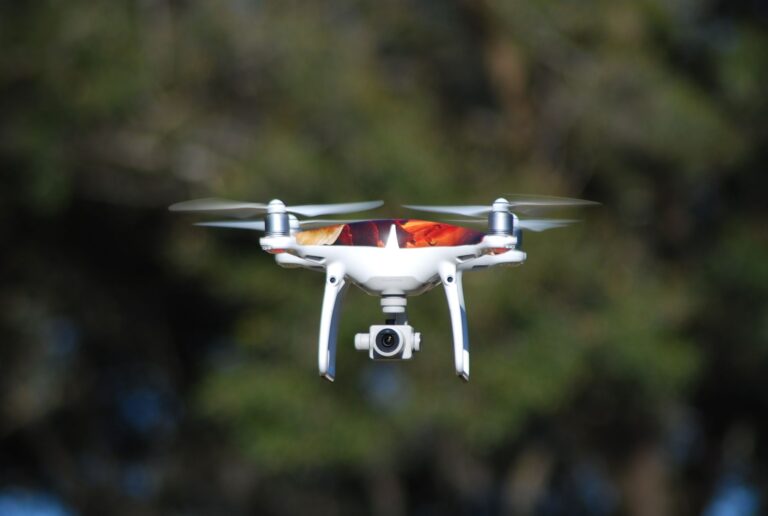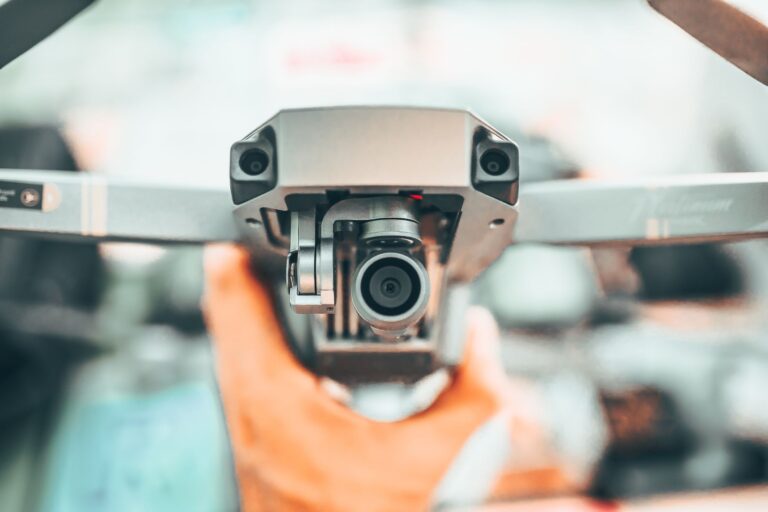

Amazon's Ring flying camera robot patrols a home by flying short preset indoor routes and streaming live video to the Ring app. The Ring Always Home Cam, a small autonomous indoor camera drone, launches from a charging dock, follows a mapped path through rooms, then lands back on the dock. That design replaces several fixed cameras with one moving viewpoint. You define where it may fly, and it handles takeoff, navigation, and docking on its own.
Table of Contents
- How a patrol flight works
- How it navigates inside rooms
- What starts a patrol
- Where this approach has limits
- Privacy and household fit
How a patrol flight works
A patrol starts at the dock. The drone lifts off, climbs to a set cruising height, flies waypoints in order, looks around with its onboard camera, then returns to the dock to recharge. Amazon describes the camera as recording only while flying, which keeps it from acting as a full-time dock camera.
The docked unit stays quiet until the next flight begins. That start-stop pattern makes each patrol easy to notice and easy to audit in the app. A typical at-home use looks like this:.
- Trigger a check from the Ring app or through a linked Ring Alarm event
- Watch the live feed as the drone flies its assigned route
- Let the drone land itself and review the clip afterward
How it navigates inside rooms
The drone relies on an indoor map built during setup plus onboard sensing for positioning. You walk it through preferred routes first, so later flights repeat the same hallways and doorways.
Obstacle avoidance helps it pause or steer around furniture, walls, and people in its path. Shrouded propellers reduce contact risk, and rotor noise alerts people nearby that a flight is underway. Narrow gaps, mirrored walls, dark rooms, and moving pets still make flights less reliable.
What starts a patrol
Owners can start a flight on demand from the Ring app for a quick look. A common example is checking whether a door is closed, a stove was left on, or a window was left open.
Patrols can also link to Ring Alarm activity, such as a contact sensor or motion event. In that setup, the drone flies a relevant route instead of asking the owner to guess which fixed camera matters. The owner still controls launch permission and route access.
Where this approach has limits
Single-floor, open layouts suit it best. Closed doors block it, stairs divide coverage, cluttered floors confuse navigation, and low battery docks it until recharged.
It also cannot replace an alarm, lock, or continuous outdoor camera. It checks conditions after an alert or on request, but it does not guard entry points all day. Homes with small children, nervous pets, low ceilings, or many obstacles need careful route planning.
Privacy and household fit
Because flights are loud and visible, other people in the home usually know when it is active. Owners can limit routes to shared areas and keep bedrooms, bathrooms, and workspaces off the map.
Before regular use, agree on flight times, alert sharing, and who may launch flights. Store the dock where takeoff and landing stay clear of curtains, cords, and foot traffic.