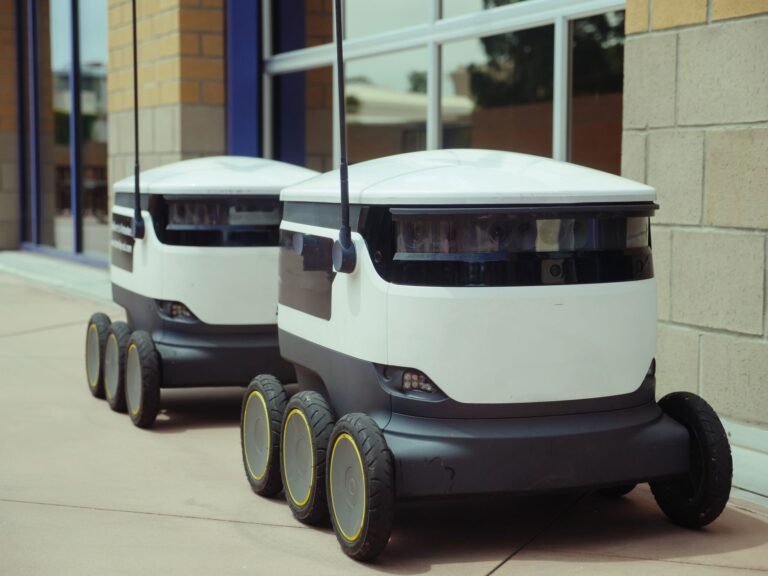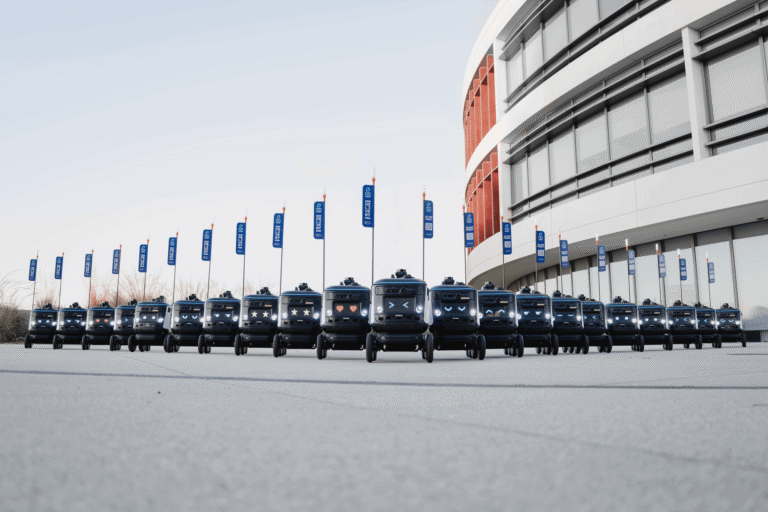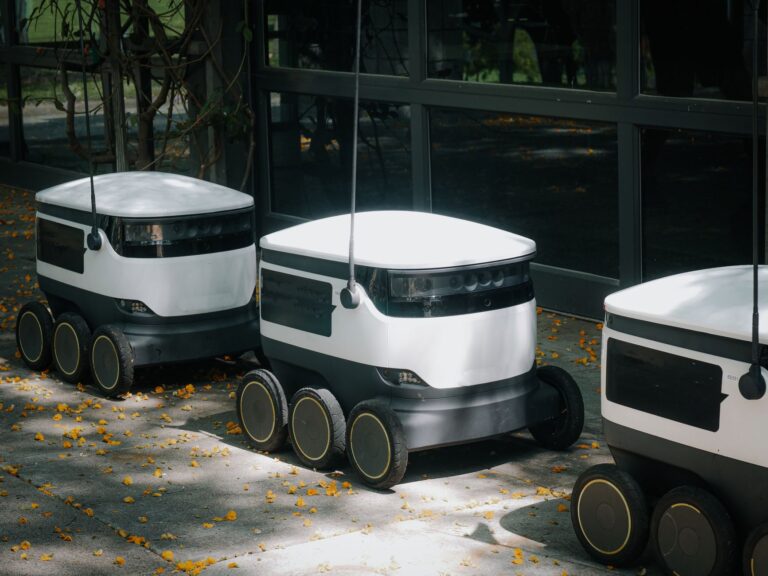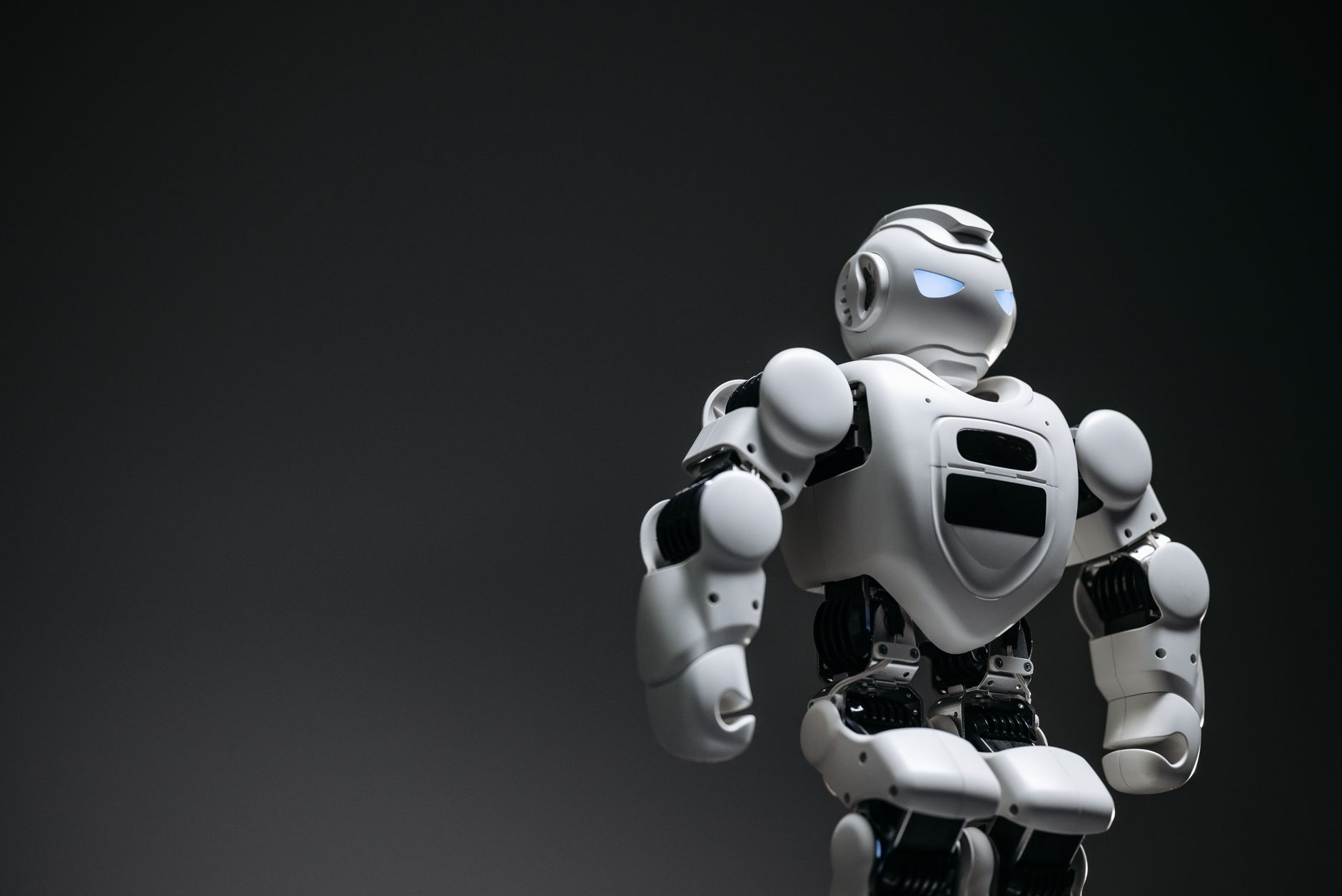

AI robot technology combines machine intelligence with sensors, computing, and mechanisms that affect the world. Beginners should learn the software flow first, then build a small, low-power robot around one clearly defined task. Start with simulation, separate the system into simple modules, and add hardware only after each module behaves predictably. This approach makes failures easier to diagnose and reduces physical risk.
Table of Contents
- What makes a robot intelligent?
- The components of a first robot
- How should the software fit together?
- Which projects should come first?
- Limits and safety during real-world testing
What makes a robot intelligent?
A conventional automated machine follows predefined rules. An AI-enabled robot uses predictions, recommendations, or decisions to influence its physical or virtual environment, consistent with the NIST definition of artificial intelligence. A useful mental model has three stages: sense, decide, and act.
A camera or distance sensor gathers input, software interprets it, and a motor or other actuator changes the environment. The "intelligent" part can be narrow. A robot might classify an object, choose a route, or detect an obstacle without understanding unrelated tasks. Beginners should define success in equally narrow terms, such as stopping before an obstacle.
The components of a first robot
A basic prototype needs four functional groups: An edge AI board processes data on the robot instead of depending entirely on another machine. NVIDIA's Jetson Orin Nano hardware documentation, for example, describes camera connectors and a 40-pin header for peripherals and prototypes.
More computing capacity does not automatically produce a better first project. Sensor placement, dependable power, simple wiring, and predictable actuator behavior often determine whether the complete system works.
- A compute board that runs the software
- A suitable power source for the computer and actuators
- Sensors that measure the robot or its surroundings
- Actuator connections that control motion or another physical output
How should the software fit together?
ROS 2, or Robot Operating System 2, provides a structure for dividing robot software into nodes. Each node handles a limited job, such as reading a camera, detecting obstacles, or controlling motors. Nodes exchange different kinds of information.
Open robotics explains that ROS 2 topics carry continuous streams, services handle short requests, and actions manage longer, cancellable jobs. For an obstacle-avoiding robot, a sensor node can publish measurements on a topic. A detection node can interpret them, while a motor-control node receives the resulting movement command. Keeping these jobs separate lets a beginner test one part without rewriting the whole robot.
Which projects should come first?
Begin with ROS 2 Turtlesim, a lightweight simulator designed to teach core concepts. The Open Robotics beginner tutorial lets users drive a turtle while inspecting nodes, topics, services, and actions.
A practical learning sequence is: Next, move to a physics-based simulator and model sensors, actuators, objects, and collisions. A suitable first physical project is a low-speed wheeled robot that stops when a sensor reports a nearby obstacle. Test sensing and stopping separately before combining them.
- Drive the simulated turtle with keyboard commands.
- Inspect which nodes are running.
- Observe movement commands and position data on topics.
- Write a small node that produces a repeatable path.
- Add a rule that changes motion when a simulated condition occurs.
Limits and safety during real-world testing
Simulation can expose software mistakes before hardware exists, but it only approximates the physical world. Real sensors can produce inputs that the model did not represent, while real motion introduces mechanical and environmental constraints. Keep early experiments small and controlled.
OSHA notes that robot accidents often occur during programming, testing, setup, maintenance, or adjustment, when a person may enter the machine's working area; its robotics safety guidance supports using low-force actuators, an accessible power cut-off, and clear space. Test the real robot at low speed, stand outside its path, and keep the cut-off within reach. If the robot loses sensor data or its software stops responding, the safe behavior should be to stop motion.