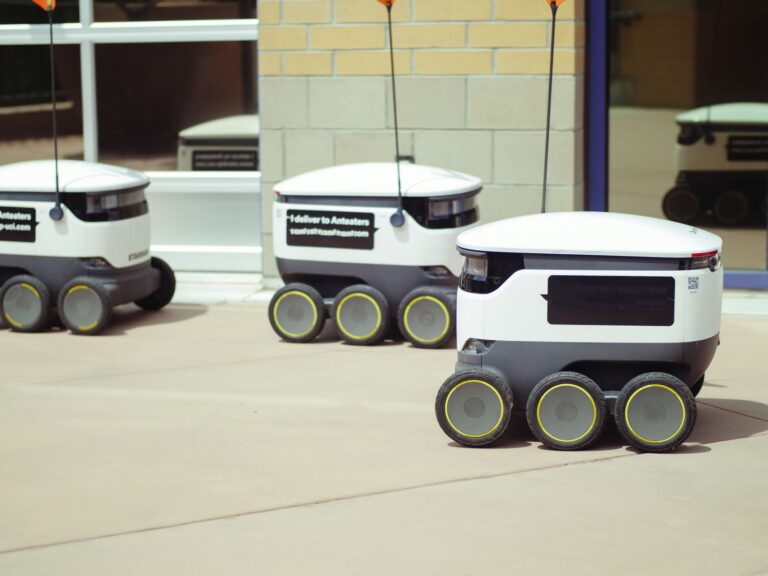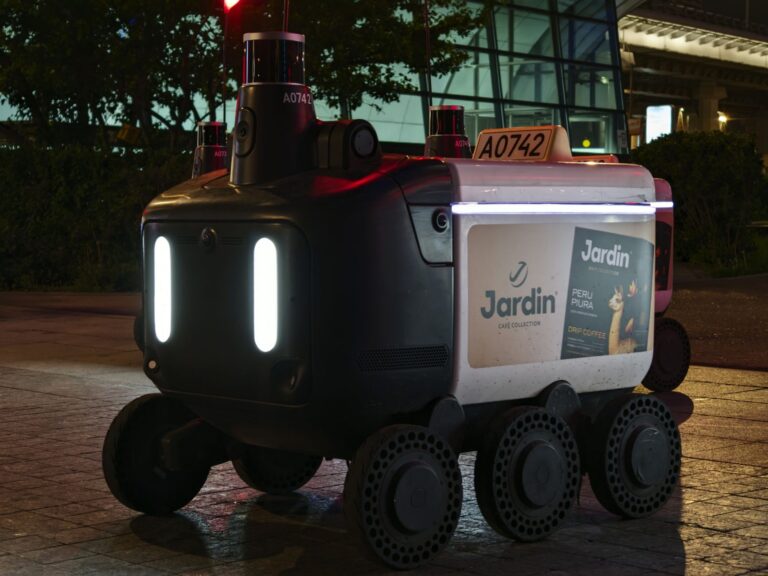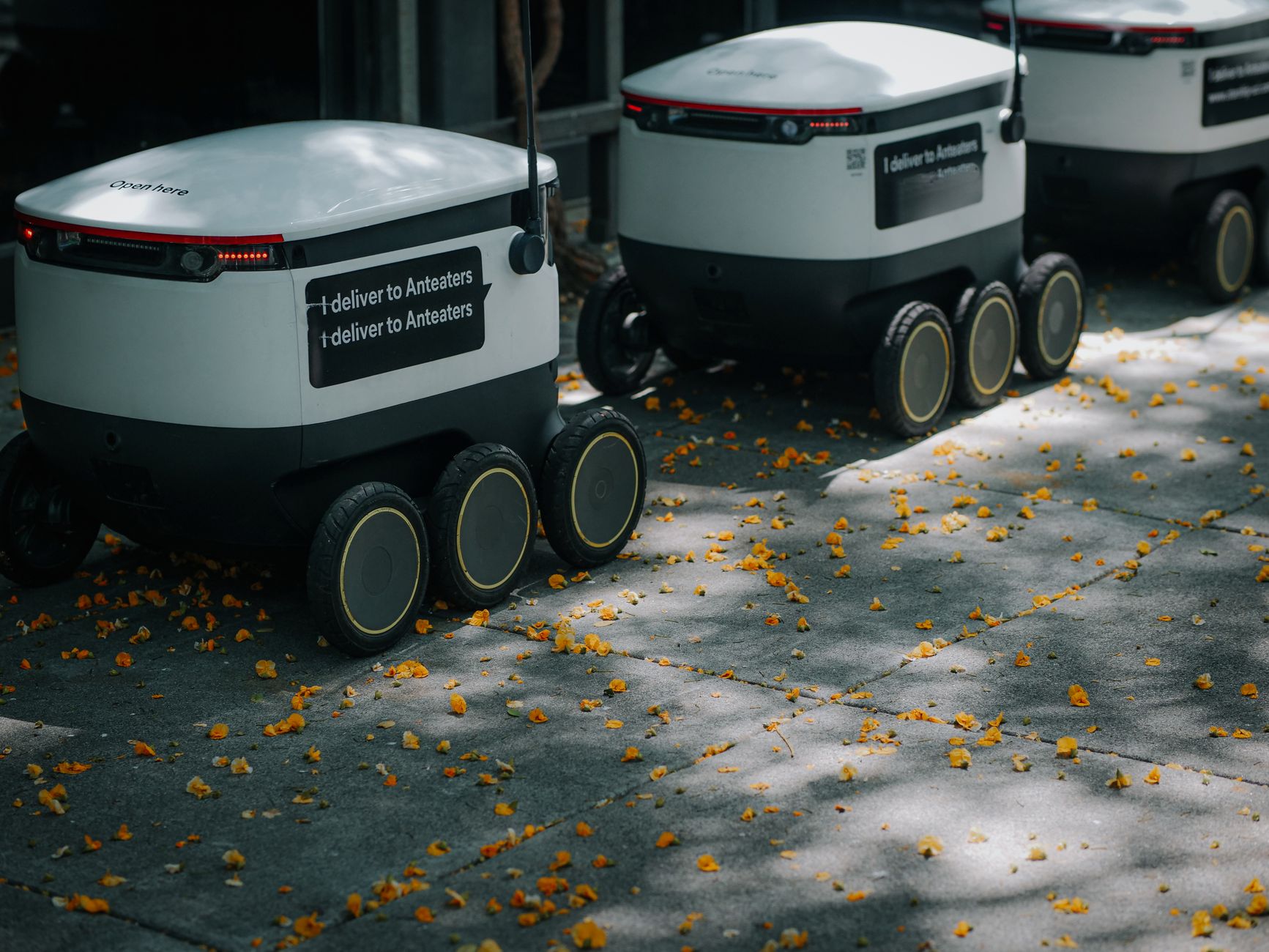

Autonomous mobile robot navigation is how a mobile robot senses its surroundings, plans a route, and drives safely to a goal without a fixed track. It combines mapping, localization, obstacle detection, and motion control into one continuous loop. An autonomous mobile robot, or AMR, is a wheeled platform that can change its path when conditions change. Readers evaluating warehouse, factory, or hospital robots can use this explanation to understand the main methods, limits, and deployment choices.
Table of Contents
- How does navigation work?
- How is an AMR different from an AGV?
- What sensors and maps do navigation systems use?
- Where does navigation still struggle?
- What should buyers and operators check before deployment?
How does navigation work?
Most systems follow four steps in sequence: sense, locate, plan, and move. The robot collects sensor data, estimates its position on a map, selects a route, then adjusts speed and steering as it travels.
Localization means matching what the robot sees now with what it has stored. Path planning has two layers: a global route across the facility and local adjustments for people, carts, or closed aisles. Control software turns the chosen path into smooth wheel motion and stopping behavior.
How is an AMR different from an AGV?
An automated guided vehicle, or AGV, follows fixed guidance such as magnetic tape, wires, or reflective markers. It stops or needs human help when its path is blocked because it cannot legally leave its guidepath.
An AMR travels between goals using a stored map and live sensing. When an aisle is blocked, it can slow down, wait, or route around the obstacle if space allows. That flexibility makes AMRs easier to reroute, but they need clearer maps and operating rules.
What sensors and maps do navigation systems use?
Common sensors include 2D lidar for scanning walls and obstacles, depth cameras for nearby objects, ultrasonic sensors for glass and low objects, and wheel encoders plus an inertial sensor for motion estimates. Many robots also use Wi-Fi or onboard markers to improve position in large or repetitive spaces.
Maps are usually built by driving the robot through the facility once, then editing the result. Operators mark no-go zones, speed limits, one-way aisles, pickup points, and charging docks. Good maps reduce detours, false stops, and close encounters with forklifts.
- Lidar-heavy setups suit large warehouses with stable racks.
- Vision-assisted setups help where features change often.
- Facility changes such as moved pallets, seasonal stock, or construction require map review.
Where does navigation still struggle?
Narrow aisles, shiny floors, glass walls, hanging plastic curtains, and crowded pedestrian areas can confuse sensing. Highly dynamic spaces, such as loading docks during shift change, force frequent replans and slower travel.
Navigation also depends on the environment staying close to the mapped state. Poor lighting for cameras, dust on lidar, blocked reflectors, and weak wireless coverage can degrade performance. Facilities should maintain sensor cleaning, lighting, floor markings, and traffic rules.
What should buyers and operators check before deployment?
Start with a route survey: measure aisle widths, turning areas, slopes, floor gaps, and door cycle times. Confirm clearance for the loaded robot, not only the empty base, and test the busiest hour rather than an empty shift.
Define behavior for shared traffic, including right-of-way, horn or light signals, and safe passing distance. Assign responsibility for map updates, incident review, and software changes. A short pilot in one zone often reveals layout fixes that make wider rollout smoother.