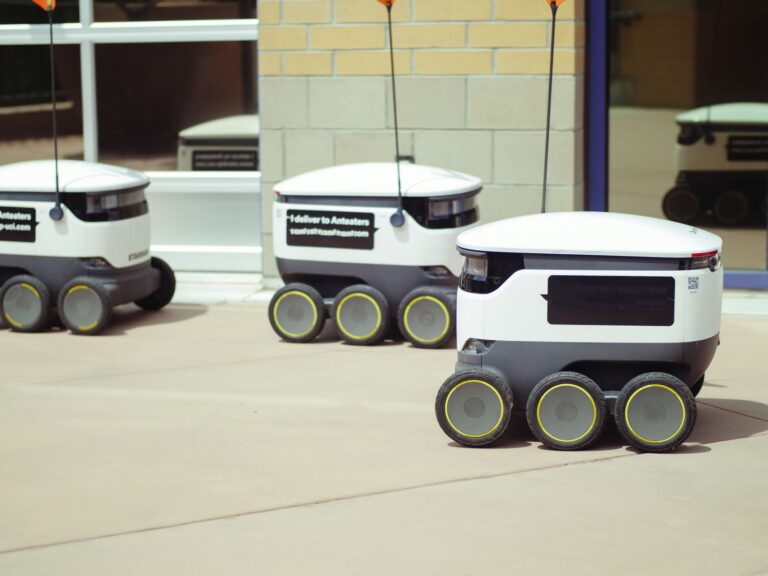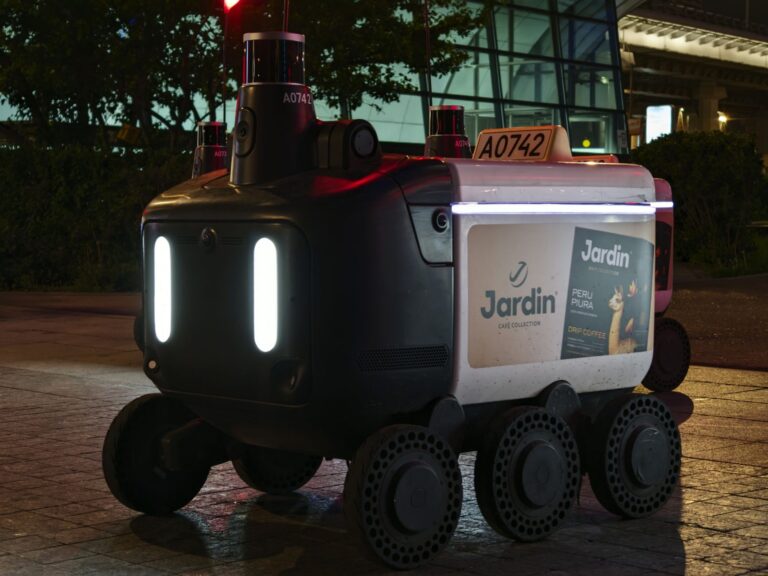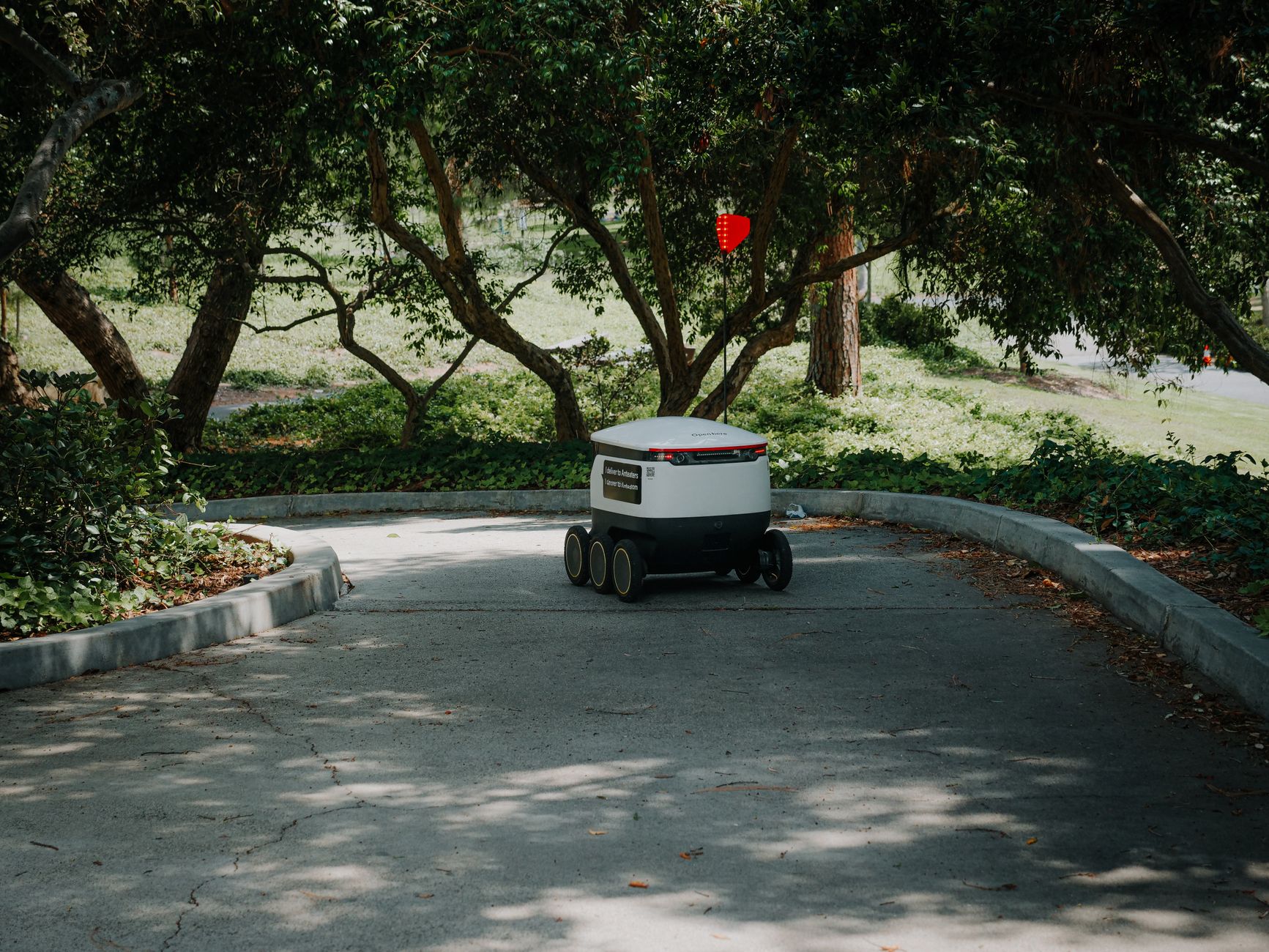

Outdoor mobile robots struggle most with soft, uneven ground and rain, snow, dust, and poor visibility. An outdoor mobile robot is a self-driving vehicle that works outside warehouses, so it needs tougher wheels, sealing, and navigation. Sites add distance, clutter, and slope changes that indoor maps never show. Teams feel that gap first on loading docks, paths, and roads between buildings.
Table of Contents
- What changes outside the warehouse?
- How do you compare mobility before buying?
- Why do sensors fail in bad weather?
- What limits belong in your operating rules?
- How do you keep routes working across seasons?
What changes outside the warehouse?
Fraunhofer IPA describes outdoor work as uneven terrain, vegetation, changing surfaces, and varying weather in its outdoor robotics brochure. Those conditions push designers toward rocker chassis designs and separate outdoor navigation stacks. Farm rows, rubble, gravel, and wet grass each load wheels and steering in a different way.
Indoor floors stay flat, dry, and mapped. Outside, ruts, slopes, and loose soil cut grip and tilt the sensor head. A route that works in August can fail after rain, snow, or leaf fall.
How do you compare mobility before buying?
The NIST-hosted ASTM E54 response-robot tests measure mobility with sand figure-8 runs, slopes, gaps, hurdles, stairs, and pitch-roll ramps in the 2021a maneuvering and mobility documents. Buyers get comparable numbers for climbing, crossing gaps, and staying stable. Results by obstacle type beat a single pass-or-fail score.
Match the test to your site. List your curbs, dock ramps, gravel beds, and wet slopes. Then ask for loaded runs on those cases, not empty runs on flat pavement.
Why do sensors fail in bad weather?
George Mason University found conventional cameras and LiDAR fail in smoke, fog, and other degraded visibility, while mmWave radar keeps perceiving but gives noisy, low-resolution images in its foggy-conditions sensor report. That tradeoff limits rescue and inspection autonomy. Radar can detect presence through obscurants, but fine detail and classification suffer.
Rain, snow, dust, and low sun add false returns and blocked lenses. Sealed housings help, yet dirty or wet optics still hurt. Plan cleaning, sheltered charging, and slower speeds for storm shifts.
What limits belong in your operating rules?
Clearpath Robotics limits OutdoorNav to ground a person can drive manually without excessive slipping, caps grass at 30 cm with collision avoidance on, and warns heavy rain or snow may require disabling collision avoidance in the OutdoorNav operating-conditions manual. Those three rules make a practical site policy.
Manual drivability is a fast field test for slip risk. Write the limits into dispatch software and signs. Operators then have a clear stop rule instead of a judgment call.
- Allow only ground your team can drive by hand without heavy slipping.
- Keep grass short and collision avoidance on where people or pets may appear.
- Set a rain and snow threshold for slower speeds, escorted runs, or shutdown.
- Recheck paths after storms, mowing delays, and freeze-thaw cycles.
How do you keep routes working across seasons?
Treat maps and paths as seasonal items. Snowbanks, fallen branches, tall weeds, and mud change both traction and what the lidar sees. A summer map often needs updates before winter work.
Walk the route after major weather changes. Clear narrow spots, mark soft shoulders, and add turnouts where passing gets tight. Keep a short indoor test loop for sensor checks before sending the robot out.