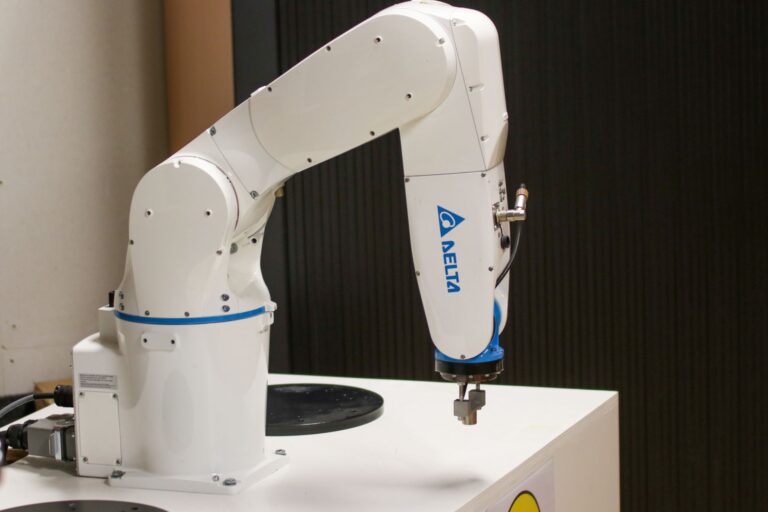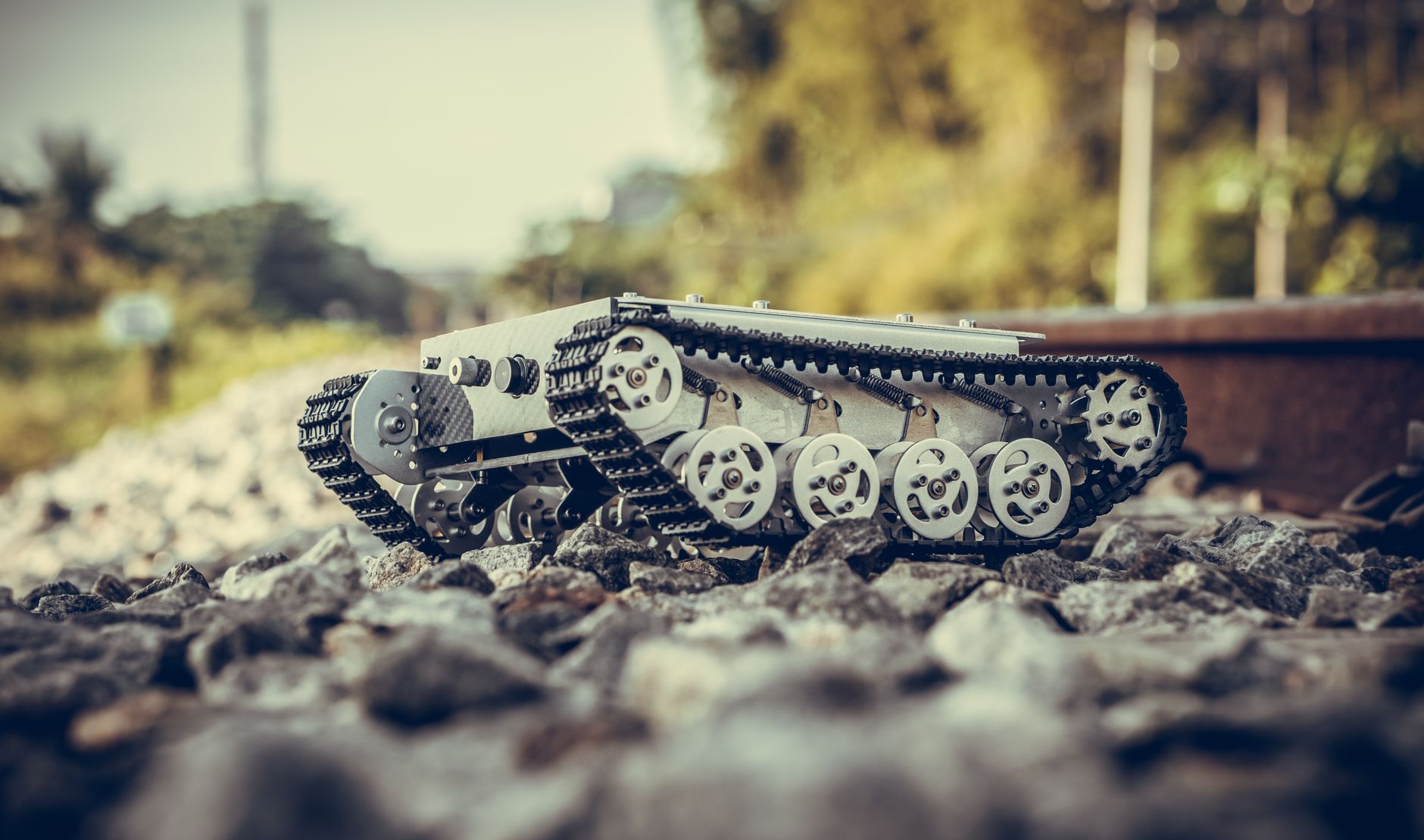

A construction robot for beginners is a programmable machine that senses its surroundings and moves a tool or material to help with a building task. It combines a controller, sensors, actuators, power supply, and end-effector, and beginners learn it through simulation plus a small rover or arm kit.
A rover is a small mobile base used for practice. An end-effector is the gripper, printer, or tool at the robot arm's end. This guide explains parts, control, first projects, jobsite examples, and safety limits.
Table of Contents
- What parts make up a construction robot?
- How do beginners control a first robot?
- What should your first autonomous project be?
- What do real jobsite robots do differently?
- What safety rules limit beginners?
What parts make up a construction robot?
The Kinelu robotics guide explains in the Kinelu component guide that the controller reads sensors and commands actuators to move or manipulate materials. Sensors report position, distance, force, or dust and light. Actuators convert power into motion at wheels, joints, or pumps.
Power supply and end-effector complete the chain. Batteries suit small rovers and arms. Mains power or fuel suits larger machines. Choose the end-effector for the job: gripper for handling, dispenser for adhesive, printhead for layout, or tie head for rebar.
How do beginners control a first robot?
The Simple ROS Robot project documentation shows in the Simple ROS Robot project that beginner builds often pair an Arduino for low-level motor control with a Raspberry Pi for higher-level decisions. The boards link by USB or serial.
The Pi runs ROS for perception and navigation. Start with this practical sequence:.
- Build or buy a small rover or arm kit with motor drivers and sensors.
- Program motor control on the microcontroller first, then add ROS messaging.
- Test in simulation, then in a fenced area with an emergency stop.
What should your first autonomous project be?
The Open Robotics ROS 2 documentation presents ROS 2 Nav2 as the standard open navigation stack for first autonomous projects, described in the ROS 2 navigation docs. It provides mapping, global and local planning, costmaps, and recovery behaviors. Costmaps are grids that mark obstacles and risk zones. Demonstrations on TurtleBot3 and TurtleBot4 platforms show the workflow.
Pick one narrow task for a first build. Examples include hallway mapping, waypoint driving, or tabletop pick-and-place. Log sensor data and tune one planner setting at a time. Success means repeatable runs without manual rescue.
What do real jobsite robots do differently?
Jobsite machines scale the same ideas to heavy, dusty, outdoor work. Construction Management reports that Advanced Construction Robotics' TyBot self-locates and ties up to 1,100 rebar intersections per hour on projects including Florida's Gateway Expressway in Clearwater. FBR Limited reports that truck-mounted Hadrian X uses Dynamic Stabilisation Technology and a 32-meter boom to lay up to 500 USA-format blocks per hour, including 45-kg blocks for three-story walls.
Layout robots show a nearer entry point. Dusty Robotics states on its FieldPrinter comparison page that FieldPrinter reads BIM and Revit models and prints multi-trade layout directly on floors at 1/16-inch accuracy. BIM means Building Information Modeling, a digital building plan. It replaces chalk lines and total-station marking.
What safety rules limit beginners?
U.S. OSHA has no robot-specific construction standard. Association for Advancing Automation analyses summarized from OSHA guidance explain enforcement through general machine-guarding rules, principally 29 CFR 1910.212 and lockout/tagout 1910.147, with reference to ANSI/RIA R15.06.
Lockout/tagout means isolating energy before service. InMotion Global's cobot-safety update on ISO 10218 2025 Edition 3 gives the practical takeaway: begin with simulation plus a small rover or arm kit to learn sensing, ROS messaging, and fenced testing. Attempt dusty, heavy-payload jobsite tasks only after a formal risk assessment under ISO 10218-1/-2:2025.