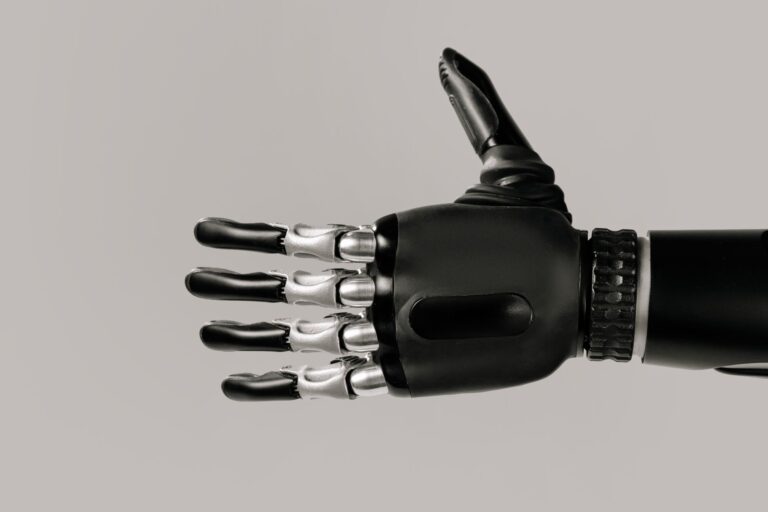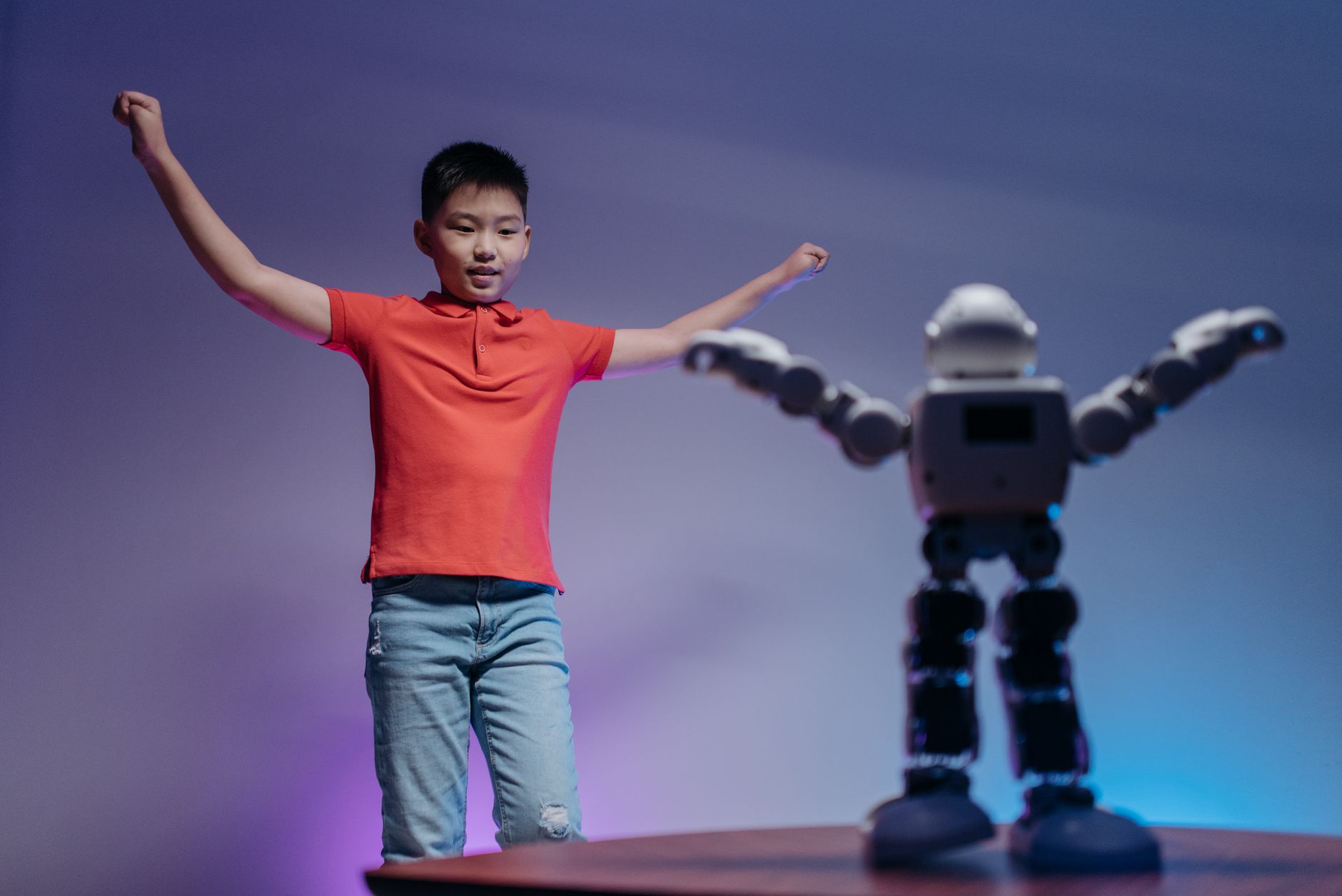

A robot companion is a movable machine built for social interaction and light household help through speech, touch, and sensors. It can handle simple talk, reminders, games, and room checks for daily company and routine, but it cannot judge emergencies or replace human care.
Limits shape buying choices. Most models need Wi-Fi, charging, and a quiet room to hear well. They follow set programs and miss context a person would catch.
Table of Contents
- What can it do day to day?
- Where do limits show up?
- What are practical uses at home?
- What should you check before you buy?
- How do you use one safely?
What can it do day to day?
Most companions respond to voice and touch. They answer simple questions, set timers, read messages aloud, and give schedule reminders. Speech recognition, the software that turns voice into commands, works most reliably with short, clear phrases. Many models play music, tell stories, lead quizzes, and guide light exercise or breathing breaks.
They can sit with a child during reading practice or keep an older adult company between visits. The value comes from steady interaction, not complex chores. Some companions roll between rooms, return to a charging dock, and send a simple alert when they hear sound or see motion. Their sensors, small detectors for touch, motion, distance, and sound, help them avoid walls and furniture. They still need clear floors and good light to move well.
Where do limits show up?
Understanding fades outside set tasks. Background noise, strong accents, fast speech, or vague requests often cause wrong answers or missed commands. Repeating the request in fewer words usually helps more than raising your voice. Physical help stays light.
Most companions cannot climb stairs, open doors, pick up clothes, cook, clean, or support body weight. Small wheels snag on rugs, thresholds, and cords, and small arms or trays carry little. Judgment stays narrow. A companion may miss a fall, mistake a joke for distress, or treat a drill as real. Keep human check-ins and standard safety devices in place, and never assign the robot sole watch over a vulnerable person.
What are practical uses at home?
Daily rhythm is the most common use. A companion can announce wake times, meals, medicine reminders set by the user, appointments, and bedtime steps. These cues help solo households, shift workers, and older adults keep a steady day. Company and play come next.
The robot can chat during meals, read aloud, run trivia, remember favorite songs, and greet family on video calls. For children, short supervised sessions build reading habits and turn-taking without long screen stares. Light watch helps between visits. A companion can check a living room, remind a visitor at the door, or call a stored contact when asked. Treat these as convenience checks, then confirm important matters by phone or in person.
What should you check before you buy?
Match the robot to your rooms. Hard floors, wide paths, strong Wi-Fi, and nearby outlets suit rolling models. Thick rugs, steps, loud televisions, and cluttered corners reduce what any model can do.
Match controls to the user. Large buttons, clear voice replies, guest modes, mute switches, and easy charging matter more than extra tricks. Ask who can update settings, how contacts are stored, and how to erase recordings.
- Hearing: test voice commands from the usual chair with normal background sound.
- Movement: measure doorways, rug edges, and dock space before choosing a rolling base.
- Power and network: note charge time, run time, and what works during an outage.
- Privacy: check mute, camera shutter, user profiles, and deletion steps.
- Upkeep: ask about warranty, spare parts, repairs, and update support.
How do you use one safely?
Set privacy habits early. Use mute and the camera cover during private talks, create separate profiles for each person, and turn off recording in bedrooms and bathrooms. Tell guests what the robot stores and how to pause it. Keep the floor safe.
Tie up cords, block stairs, secure rugs, and keep water bowls, medicines, and small toys off the robot path. Watch first meetings with toddlers, pets, and anyone who uses a walker or wheelchair. Keep human help central. Save emergency numbers in the robot and on paper, practice the call method, and keep a phone within reach. Write down how to call for help and keep that note by the phone.