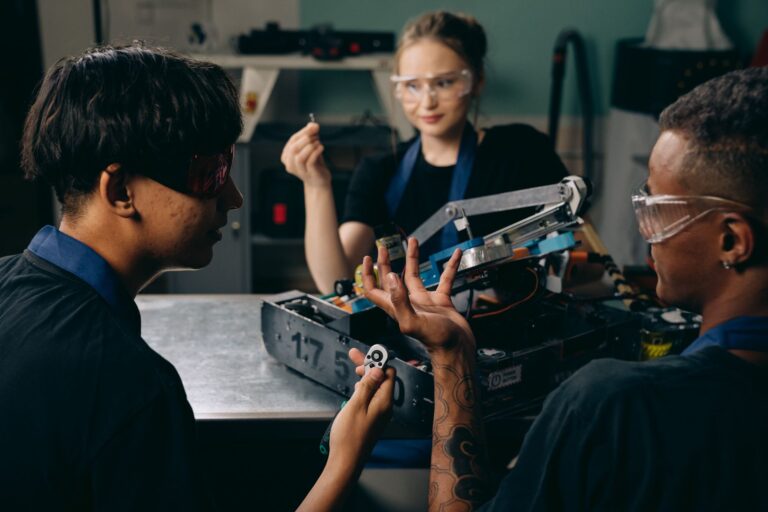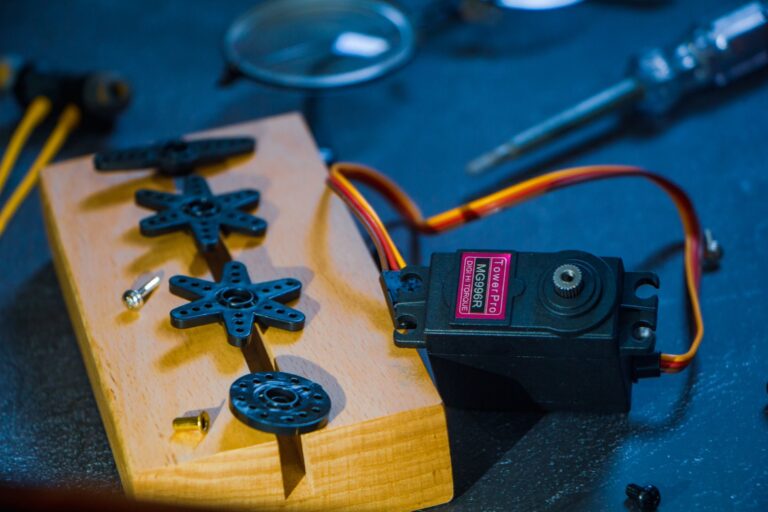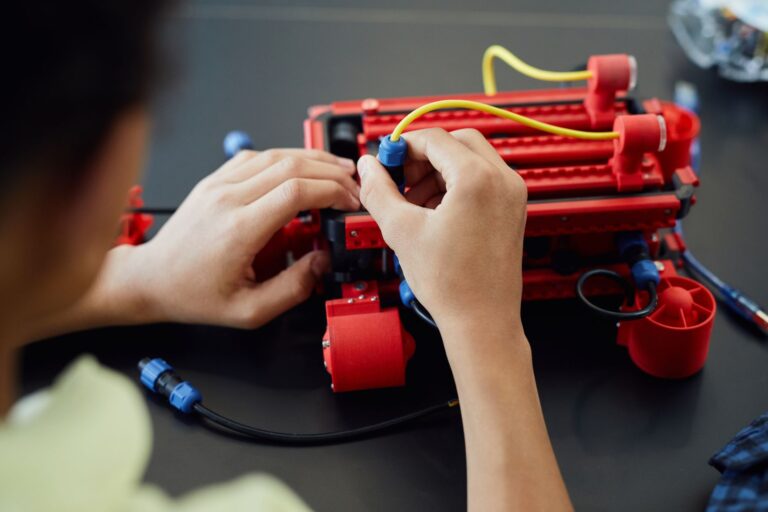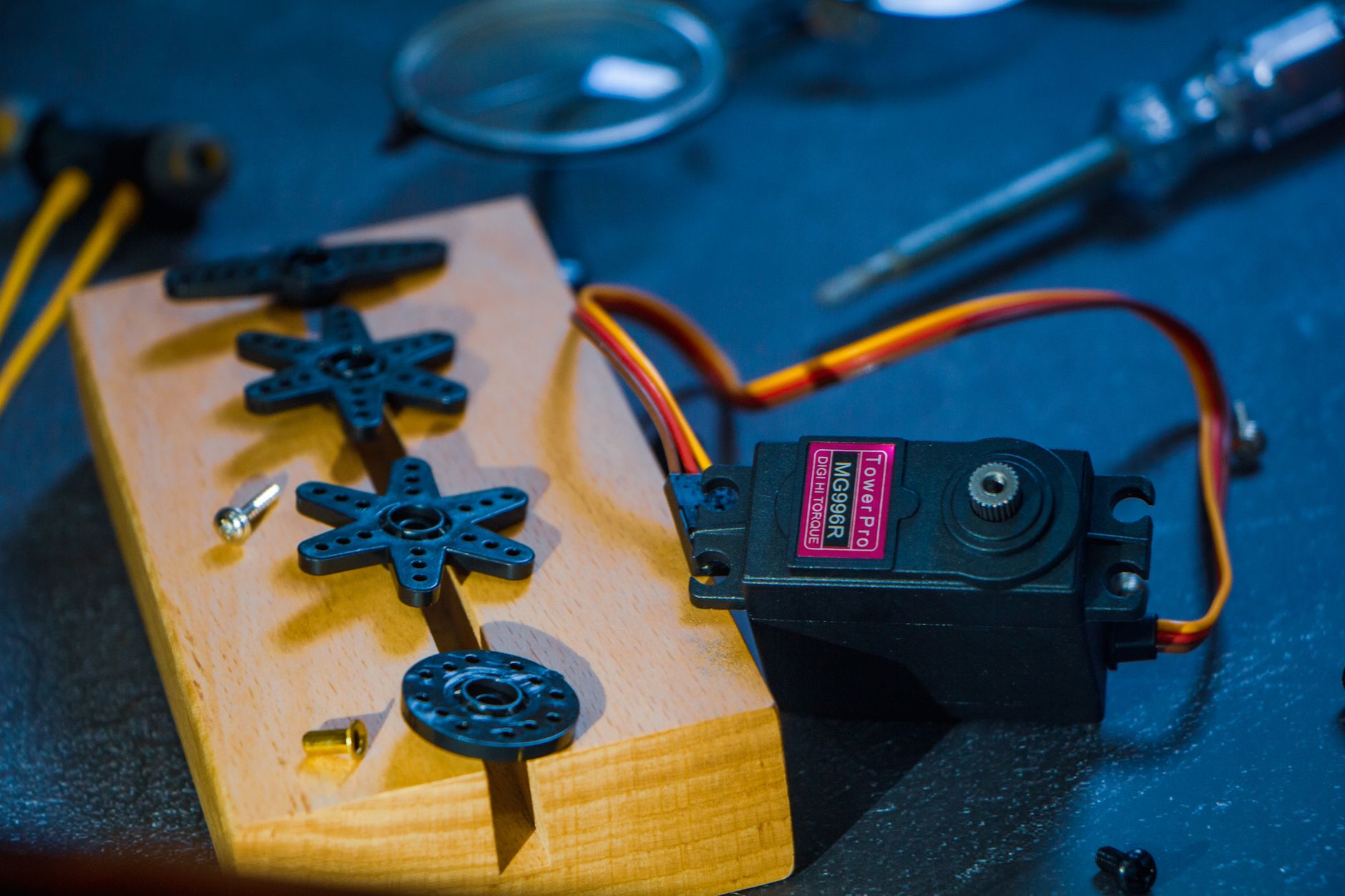

Tutorials and DIY robotics in 2026 mean building small robots from kits and consumer parts using Arduino for control and Raspberry Pi with ROS 2 for perception and navigation. They affect students, hobbyists, and adult beginners who want practical automation skills and a clear starter path. DIY robotics means selecting motors, controllers, and software yourself and assembling a working machine. The current path favors simple Arduino projects first, then Raspberry Pi projects with Linux and Python, then combined ROS 2 robots.
Table of Contents
- Who benefits most right now
- Which hardware and software combo to learn
- How do you start without getting stuck
- What safety limits matter for batteries
Who benefits most right now
School-age learners have the clearest entry points. Arduino Education Courses place Block Based Coding and Robotics with the Alvik robot at ages 7 and up, and Explore Robotics in MicroPython at ages 12 and up, according to Arduino's course catalog.
Teenagers and adult hobbyists benefit when they want driving, line following, obstacle avoidance, or navigation. Students building larger projects can also use scaled-down rover plans from NASA JPL and buggy-style lessons from the Raspberry Pi Foundation.
Which hardware and software combo to learn
Beginners in 2026 typically split work between two boards. The Computer Vision Engineer full-tutorial project describes Arduino handling real-time motor control while Raspberry Pi runs Linux, Python, and ROS 2 for perception and navigation, according to the project build guide.
For software, Open Robotics identifies ROS 2 Jazzy Jalisco, released May 23 2024, as the long-term-support distribution supported until May 2029, according to the ROS 2 releases page. Raspberry Pi 5 builders are directed to Ubuntu 24.04 Server plus ROS 2 Jazzy Base by the Open Robotics installation guide.
How do you start without getting stuck
Pick one goal for the first build, such as drive forward, stop before obstacles, or follow a line. Buy or borrow only the chassis, motors, motor driver, controller, battery, and sensors needed for that goal.
- Build the Alvik or buggy-style car first if you are new to wiring and Python.
- Add one sensor at a time and test driving before adding avoidance or line following.
- Move to Raspberry Pi plus Arduino only after the single-board robot drives reliably.
- Install Ubuntu, ROS 2, motor drivers, and navigation packages in that order.
What safety limits matter for batteries
Power handling is the main physical risk in small robots. Student Robotics kit documentation warns that LiPo packs must never charge unattended, according to the Student Robotics battery guide.
Retire a pack with swelling, cuts, exposed wire, unusual heat, or unusual odor. Store packs away from flammable material, charge on a nonflammable surface, and keep a damaged pack isolated until you can recycle it safely.
You Might Also Like
- How to Verify Tutorials and DIY Robotics Claims in 2026: company releases and research papers, Evidence, and Red Flags
- Tutorials and DIY Robotics FAQ for September 2026: Source-Checked Answers to Common Questions
- Tutorials and DIY Robotics 2026 Guide: capabilities, safety, and deployment; Key Facts and Questions to Ask