
Offline robot programming creates and tests a robot program on a separate computer using a simulated 3D model of the cell, while online programming teaches the program directly on the physical robot. The split matters because offline work can proceed while production keeps running, whereas online methods require the real robot to stop and wait. Both approaches exist to solve the same problem — telling an industrial robot arm where to move and what to do — but they differ in where that work happens and what it costs the production line. Choosing between them affects downtime, training needs, and how much simulation infrastructure a shop has to maintain.
Table of Contents
- How Each Method Actually Works
- What the Hardware and Software Look Like
- Why Simulated Programs Still Need Real-World Tuning
- Which Method Fits a Given Job
How Each Method Actually Works
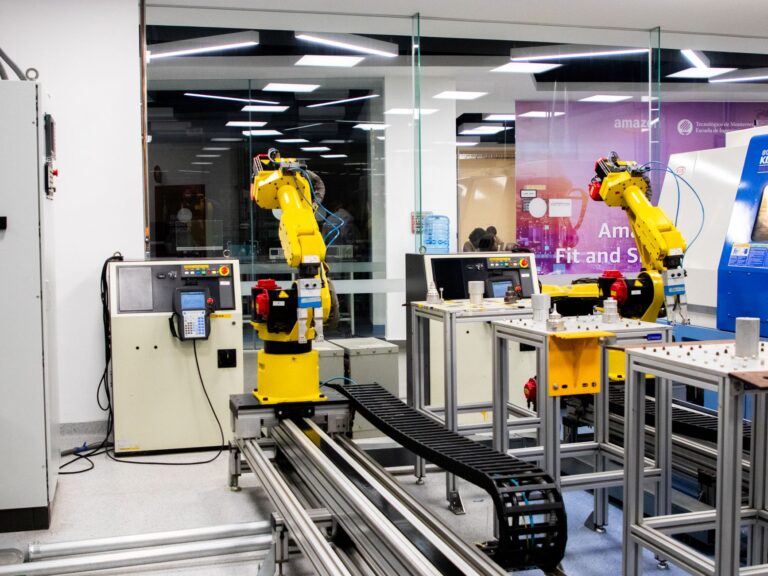
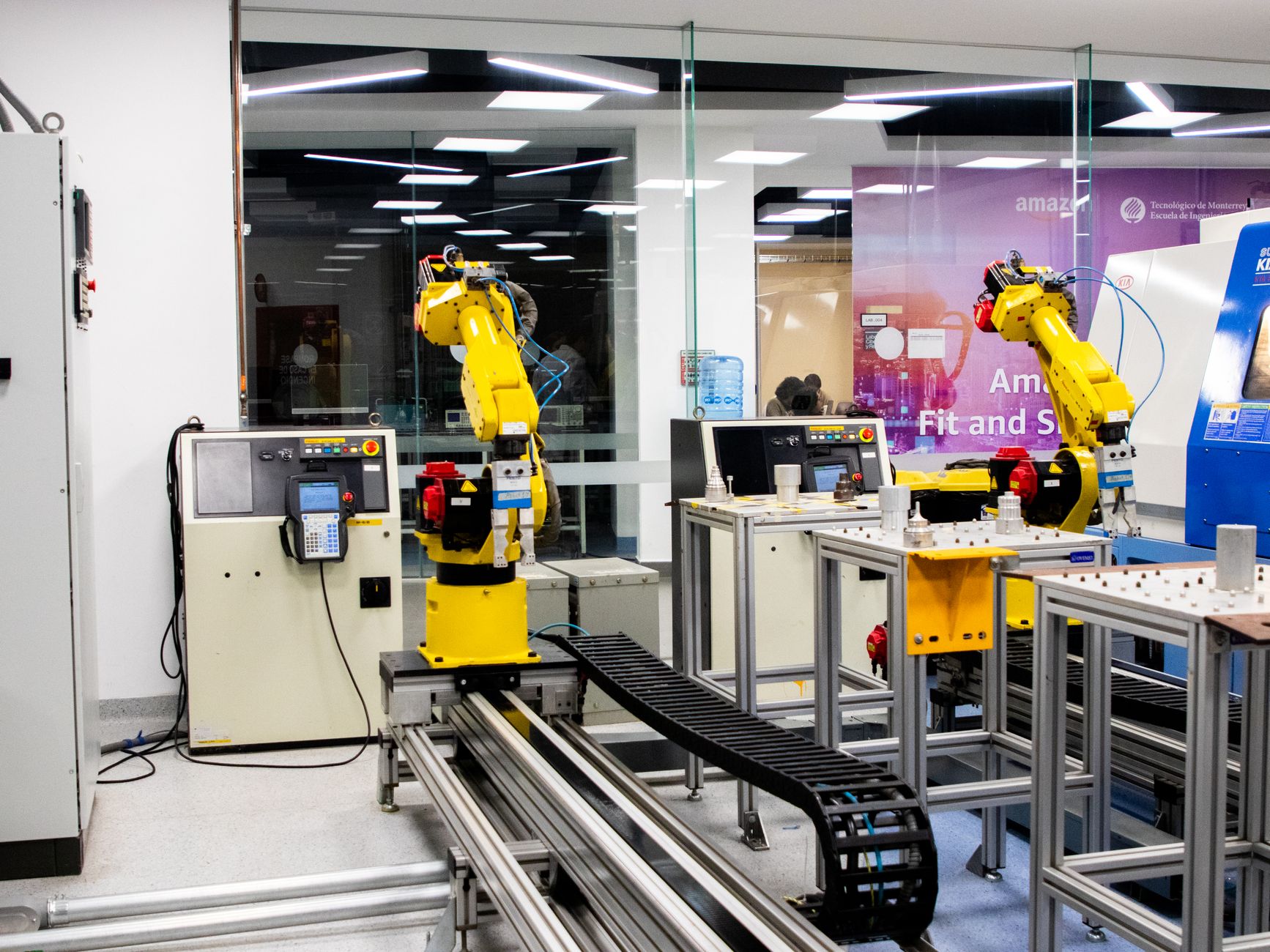
Online programming, sometimes called teach-pendant programming, has an operator stand at the robot and jog it — or physically hand-guide it in a mode called "lead-through" — while the controller records each taught point as the arm moves. The robot is tied up for this entire process and cannot run production work while it happens, according to BARA/PPMA's Automation Explained guide. Offline programming (OLP) moves that work to a separate computer.
Engineers build a simulated 3D model of the robot cell, often using the parts' own CAD data, write and test the program against that simulation, and then transfer the finished program to the real controller. Because the physical robot isn't needed until the transfer step, the production line can keep running the whole time the program is being written, as described by EncycAM's comparison of offline and online programming. BARA groups industrial robot programming into three practical methods manufacturers choose from: teach-pendant programming, lead-through demonstration, and offline programming with simulation, per the same BARA/PPMA guide. The first two are both "online" in the sense that they require the live robot; the third is "offline" because it doesn't.
What the Hardware and Software Look Like
Online programming happens through a teach pendant, a handheld controller the operator carries to the robot. Universal Robots' Standard Teach Pendant, for example, has a 1280×800 touchscreen and a dedicated Freedrive button that lets an operator hand-guide the arm to teach positions directly on the floor, according to Universal Robots' product page. Not every pendant gives the same level of direct control: Universal Robots also sells a "3PE" pendant that replaces the Freedrive button with dual three-position enabling devices, showing that teach-pendant hardware varies in how much manual authority it hands the operator over the live robot, per Universal Robots' Teach Pendants page.
Offline programming runs on dedicated simulation software instead of a handheld unit. ABB's RobotStudio, for instance, runs on what ABB calls a "Virtual Controller" — an exact copy of the real robot-controller software — letting engineers test actual robot programs and configuration files in simulation before anything reaches the physical cell, according to ABB's RobotStudio Desktop product page. ABB states that RobotStudio can cut commissioning time by up to 90% compared with other solutions, shrinking the process from days to hours, though this figure comes from ABB itself and no independent case study was found to confirm it, per ABB's RobotStudio Suite page.
Why Simulated Programs Still Need Real-World Tuning
A simulation is a model, not the machine, and that gap shows up as soon as an offline program meets the physical robot. Users on RoboDK's support forum report residual position mismatches of roughly 1-2 mm between the simulated path and the robot's actual motion, even after calibrating the tool center point, according to a RoboDK community forum thread on deployment. Closing that gap requires on-site tuning before the program is trusted with full production.
The underlying cause is that a robot's real geometric and mechanical parameters never exactly match its nominal, as-designed specifications. A peer-reviewed robot-calibration study defines calibration as the process of determining those actual parameters, and finds that offline-programming systems need a compensated kinematic model — built from that calibration data — to reach usable absolute positioning accuracy on the physical machine, per the study hosted in UNIST's repository. Skipping calibration is the most common reason an offline program that ran perfectly in simulation misses its mark on the shop floor.
Which Method Fits a Given Job
Offline programming suits new or reconfigured production lines, where simulation lets engineers catch collisions and routing problems before committing the real robot, and the line keeps running while the program is built. Online, teach-pendant programming remains the more practical choice for small jobs or final on-site fine-tuning, because it needs no simulation software, no extra training on a CAD-based tool, and no cell I/O documentation to set up first, according to EncycAM's offline-versus-online comparison.
A few questions help decide which approach fits: A plant does not have to pick one method permanently. Many use offline programming to rough out a new line's motion paths and then finish with a teach pendant for the final on-site corrections that close the calibration gap described above.
- Can the line afford downtime? If not, offline programming avoids tying up the robot during development.
- Is the job a one-off or a quick tweak? Teach-pendant programming skips the overhead of building a simulation.
- Does the cell already have accurate CAD data? Offline programming depends on it; without it, the simulation won't match reality.
- Is there staff trained on simulation software and calibration? Offline programming's accuracy gains disappear without someone who can tune the kinematic model afterward.
- Does the task involve hand-guided, delicate motions? Lead-through teaching lets an operator demonstrate feel-based moves that are hard to specify in a 3D model.