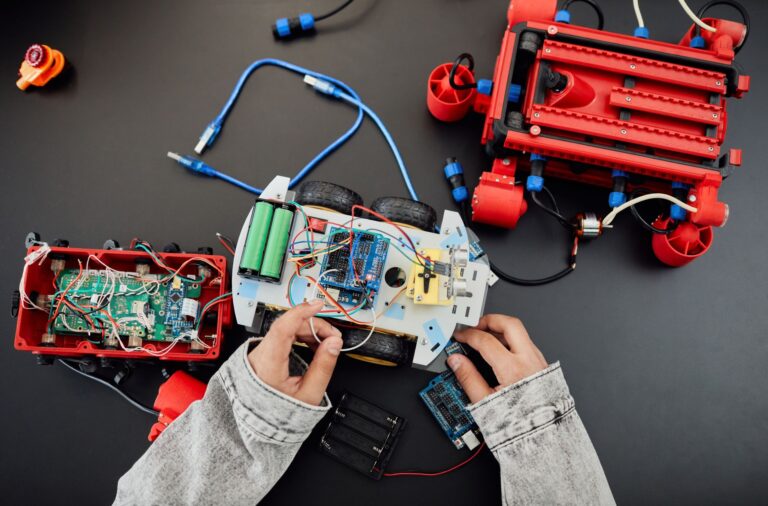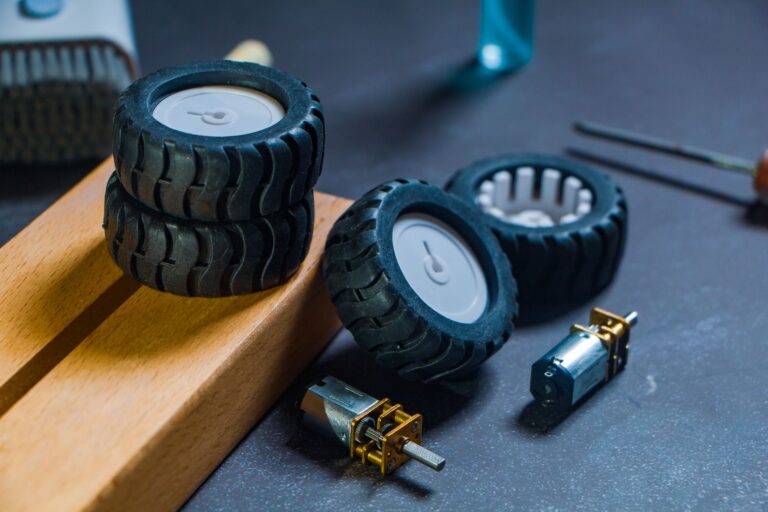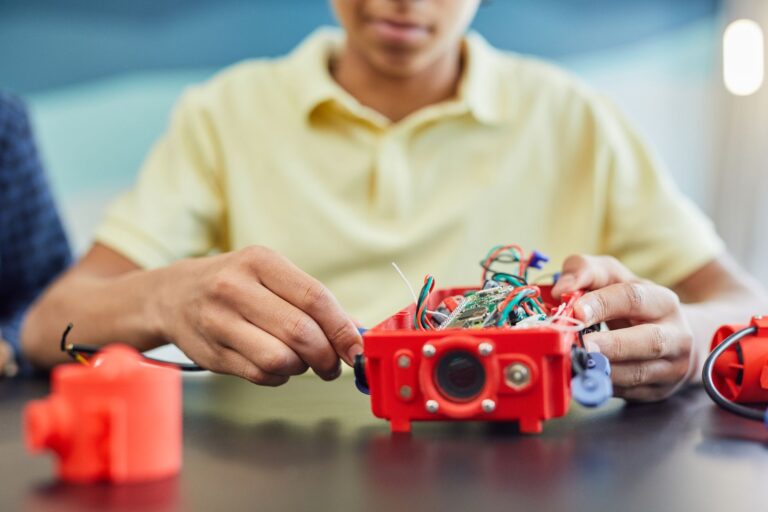

Programming a line-following robot means wiring an infrared sensor array to a microcontroller, calibrating it against the line, and running a control loop that steers the robot based on sensor error. The core steps are sensor placement, calibration, reading a line position value, and tuning a PID (proportional-integral-derivative) correction that adjusts each motor's speed. Most builds follow the same sequence regardless of the exact parts used. Getting the sensors mounted correctly and calibrated well matters more than any single line of code, because a bad reading feeds bad numbers into every step that follows.
Table of Contents
- Choosing and Mounting the Sensors
- Calibrating the Array Before You Code the Loop
- Writing the Control Loop
- Tuning Kp, Ki, and Kd in the Right Order
- Diagnosing Common Tuning Problems
- Frequently Asked Questions
Choosing and Mounting the Sensors
Line-following robots typically use 5 to 8 infrared reflectance sensors spaced closer together than the width of the line itself, mounted roughly 10 to 15mm above the ground so each sensor reliably catches the line's edge, according to ThinkRobotics' PID tuning guide. Spacing and height both affect how cleanly the array distinguishes line from background, so they're the first thing to get right before writing any code. The sensor count and spacing depend on which array you buy.
Pololu's QTR-3A and QTR-3RC boards each place three reflectance sensors on a 0.375-inch pitch, but they report differently: the QTR-3A gives an analog voltage per sensor, while the QTR-3RC gives a digital, RC-timed signal per sensor, per Pololu's QTR Reflectance Sensors page. That distinction changes how you read them in code — analog pins versus timed digital pulses. For finer control over where the line sits under the array, Pololu's QTR-HD-15A packs 15 sensing channels onto a 4mm pitch, runs on 2.9V to 5.5V, and can detect high-reflectance targets out to about 50mm, giving much better position resolution than a 3-sensor board, according to Pololu's QTR-HD resources page. More channels mean a smoother position signal, which makes the later PID tuning easier.
Calibrating the Array Before You Code the Loop
Calibration teaches the microcontroller what "line" and "background" look like under the robot's own lighting and surface. With Pololu's QTRSensors Arduino library, you call `calibrate()` about 400 times, each call taking roughly 25 milliseconds, for a total of about 10 seconds, while sweeping the array back and forth across the line so every sensor records its own minimum and maximum reflectance, per Pololu's QTRSensors documentation.
Skipping this step leaves the sensors reading raw, uncalibrated values that vary with ambient light and surface color. Once calibrated, the library's `readLineBlack()` function returns a weighted-average line position — on a 6-sensor array, this ranges from 0 to 5000, where 0 means the line sits directly under sensor 0 and 1000 means it's under sensor 1, letting your code compute a single numeric error from the array's center, according to the same Pololu documentation. This one number is what the control loop actually steers on, so calibration quality directly determines how stable that number is.
Writing the Control Loop
The control loop is where sensor readings become motor commands. The standard approach subtracts a setpoint — the array's center position — from the measured line position to get an error term, then applies a PID correction that's added to one motor's base PWM (pulse-width modulation) speed and subtracted from the other's, with both values clamped to a -255 to 255 PWM range, according to RobotShop's PID-based line follower guide.
This is the loop that runs continuously while the robot moves: read sensors, compute error, apply correction, repeat. Getting this loop running with Kp alone first — before adding derivative or integral terms — makes it much easier to diagnose problems, which is exactly the order the next section covers.
- Read the calibrated line position every loop cycle.
- Subtract the center setpoint to get the error.
- Multiply error by Kp (proportional gain), add a derivative term, and optionally an integral term.
- Add the result to one motor's base speed, subtract it from the other's.
- Clamp both motor speeds to the valid PWM range before writing them.
Tuning Kp, Ki, and Kd in the Right Order
PID tuning is sequential, not simultaneous. The recommended order is to raise the proportional gain (Kp) by itself until the robot visibly oscillates back and forth across the line, then add the derivative gain (Kd) to damp that oscillation, and only add the integral gain (Ki) if a steady-state bias remains after calibration, according to ThinkRobotics' tuning guide. Adding all three gains at once makes it nearly impossible to tell which term caused which behavior.
Actual tuned values vary enormously by hardware, so there's no universal starting number. One undergraduate build using 8 TCRT5000 infrared sensors, tuned with the Ziegler-Nichols method, arrived at Kp=120, Ki=0.8, and Kd=4500, and successfully followed straight segments and turns between 30 and 135 degrees, according to a Universitas Diponegoro undergraduate thesis. Those exact numbers are specific to that robot's motors, weight, and sensor spacing — they're a reference point for what a working set of gains looks like, not a value to copy directly.
Diagnosing Common Tuning Problems
A robot that vibrates on straight sections and overshoots on curves often looks like a tuning problem but isn't one. A documented failure mode on the Pololu robotics forum traced exactly this symptom to a derivative term that was coded into the formula but never actually applied to the motor output — the math existed, but the result was discarded before it reached the PWM write, according to the Pololu forum thread "PID line Follower".
Before re-tuning Kd for hours, check that the calculated derivative term is actually reaching the motors. This kind of bug is worth checking first because it mimics every symptom that under-tuned Kd produces: oscillation on straights, overshoot on corners, and no amount of increasing Kd fixes it if the term isn't wired into the output at all. Printing the final PID correction value right before it's written to the motor driver confirms whether the term is live.
Frequently Asked Questions
How many infrared sensors does a line-following robot need?
Most builds use 5 to 8 reflectance sensors, spaced closer than the line's width, mounted about 10 to 15mm above the ground, per ThinkRobotics.
Should I tune Kp, Ki, and Kd together or separately?
Separately, in order: raise Kp alone until the robot oscillates, add Kd to damp it, and only add Ki if a bias remains, according to ThinkRobotics.
Why does my robot still oscillate even after increasing Kd?
A documented case on the Pololu forum found the derivative term was calculated but never actually applied to the motor output — check that the value reaches the PWM write before re-tuning.