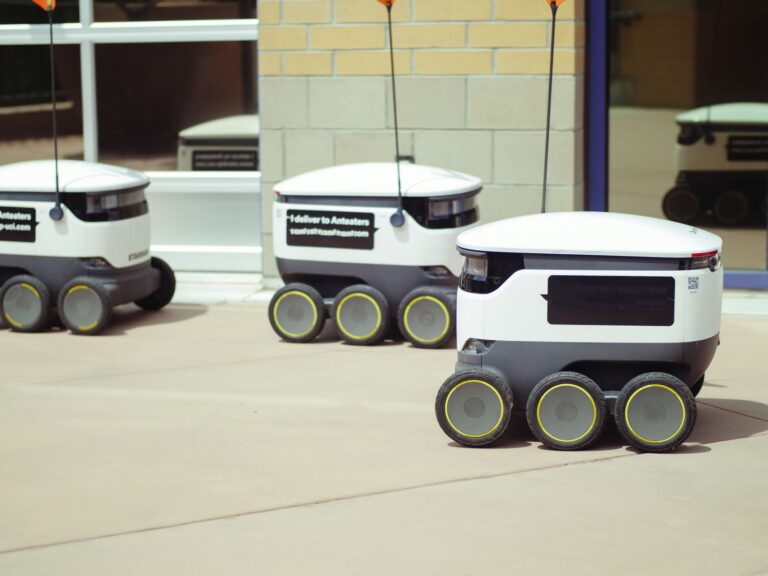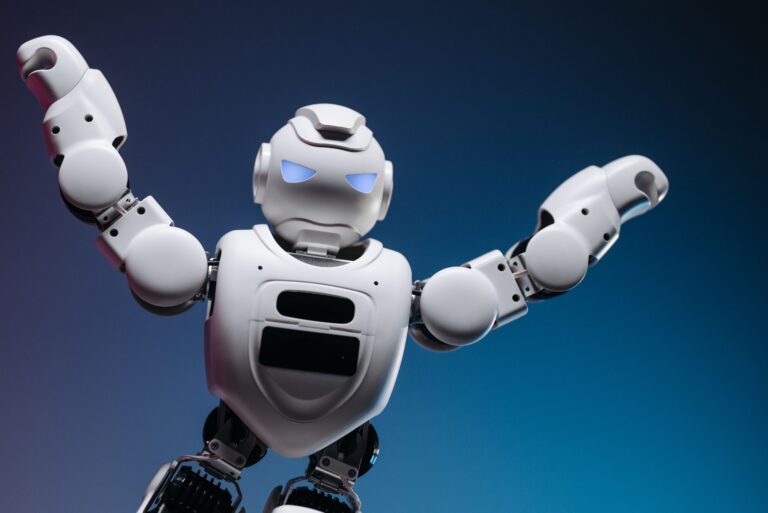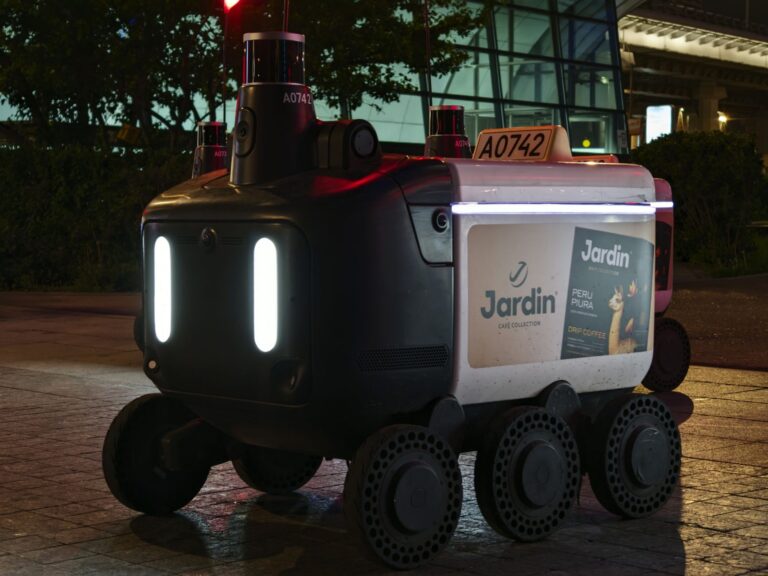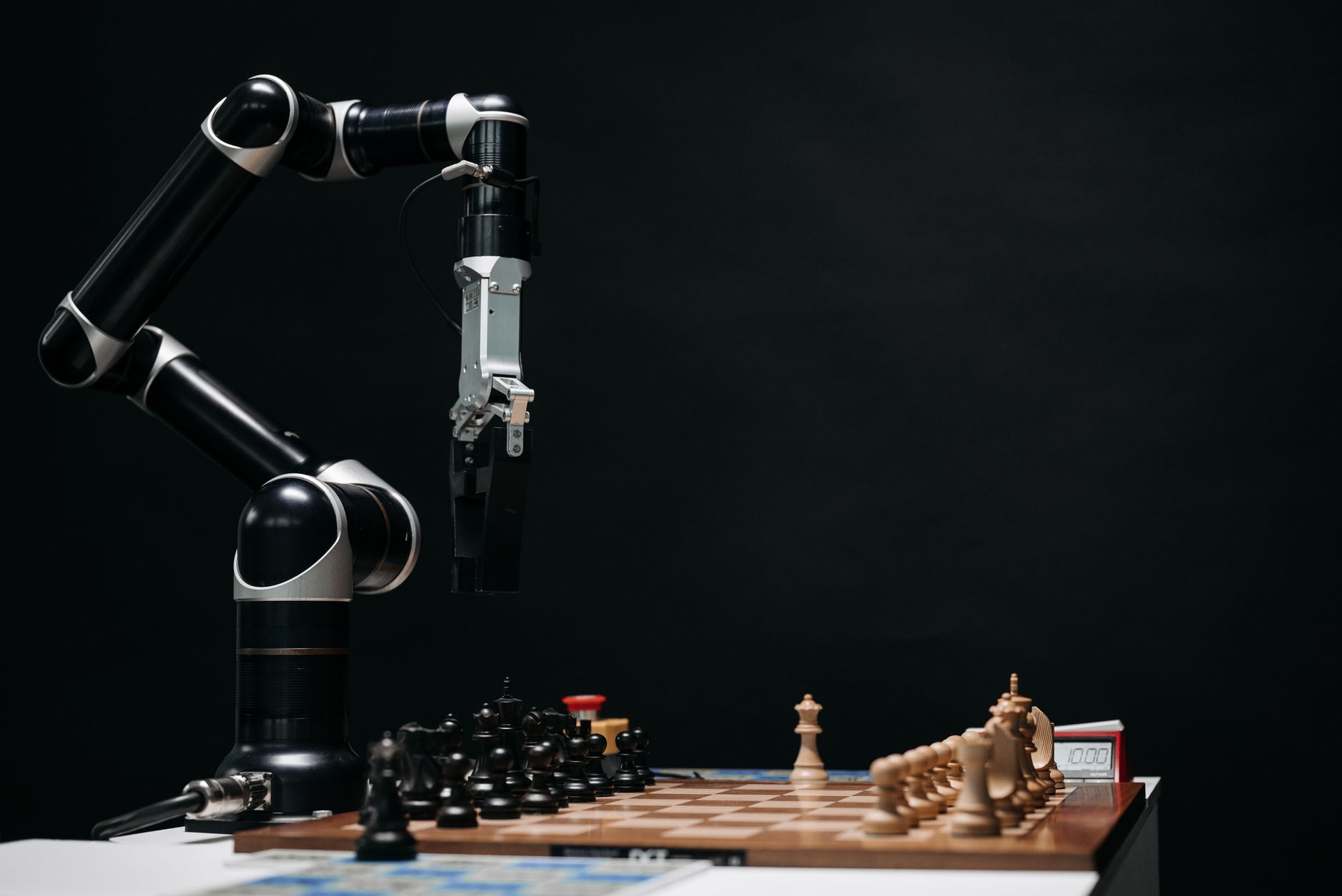

A mobile manipulation robot is a robot arm mounted on a moving base. It drives to a task, then picks, places, opens, or operates equipment.
Fixed arms reach only one station. Mobile carriers move goods but cannot handle them. This combination suits work spread across rooms, aisles, or machines.
Table of Contents
- How do arm and base work together
- Where does this design pay off
- What limits performance today
- Is your facility ready for one
- How to run a useful pilot
How do arm and base work together
The base handles travel. It follows maps, avoids obstacles, and docks with tight tolerance at each stop. The arm stays parked during drive, then activates once the base settles. Cameras and depth sensors find the target object and guide the gripper.
Force sensing helps the arm seat parts, open doors, or press buttons without damage. Tool changers let one arm swap grippers for different loads. A task manager links driving and handling. It confirms arrival, checks the work target, and runs the pick or operation. It reports success before moving on.
Where does this design pay off
These robots fit jobs that move between stations. Examples include carrying totes to a work cell, loading parts into machines, and restocking shelves across zones. They also help where layouts change often. One mobile unit can serve several machines in sequence, while fixed arms would need one unit per station.
A simple cart can move goods, but it cannot load a tray or turn a valve. Good early jobs share traits. Travel paths stay clear, objects have consistent grips, and cycle time allows for driving. Tight-tolerance assembly at high speed usually stays with fixed automation.
What limits performance today
Grasping remains the hard part. Lighting shifts, transparent packaging, and jumbled bins can confuse vision. A firm, visible handle beats a soft bag or shiny pouch every time. Motion adds trade-offs.
A taller reach raises tip risk and cuts safe drive speed. Batteries limit shift length, and charging docks need floor space and clear access. Facilities add their own friction. Narrow aisles, ramps, thresholds, and crowded work zones slow travel. Wireless gaps can stall dispatch, maps, and remote help.
Is your facility ready for one
Walk the route before you test hardware. Watch foot traffic, door widths, floor condition, and storage clutter.
If people struggle with carts there, a robot will struggle too. Fix these basics first. Stable floors, marked stops, and tidy staging do more for success than a smarter gripper.
- Clear travel lanes with room to pass and dock
- Stable lighting and readable labels on targets
- Standard containers with firm grasp points
- Reliable wireless coverage along the full route
- Defined rules for human priority in shared aisles
How to run a useful pilot
Pick one repeatable job with clear success signs. Define the start point, the object, the destination, and what counts as done. Keep the first route short and lightly trafficked. Measure grasp success, travel interruptions, and time per cycle.
Log every human assist and its cause. Those notes show whether to adjust targets, lighting, or traffic rules. Keep staff in charge of the shared space. Use speed limits, contact sensors, clear warning lights, and simple stop controls. A pilot earns trust when workers can predict and pause the robot easily.