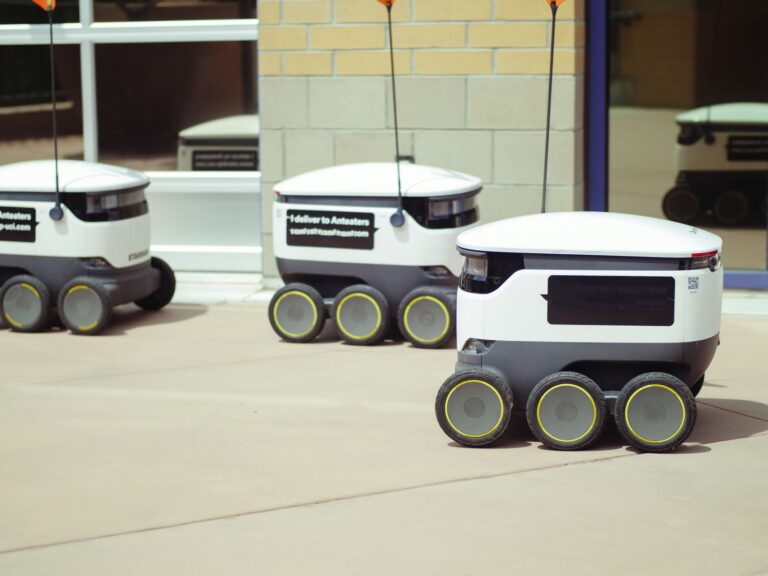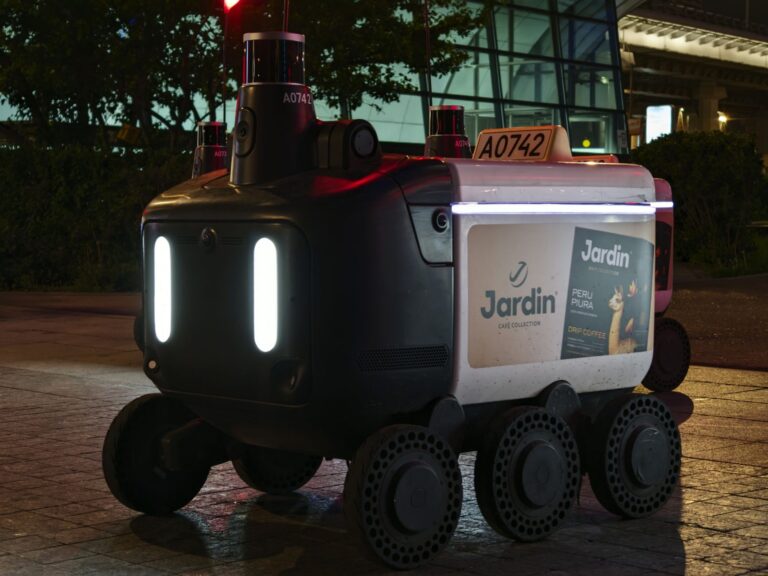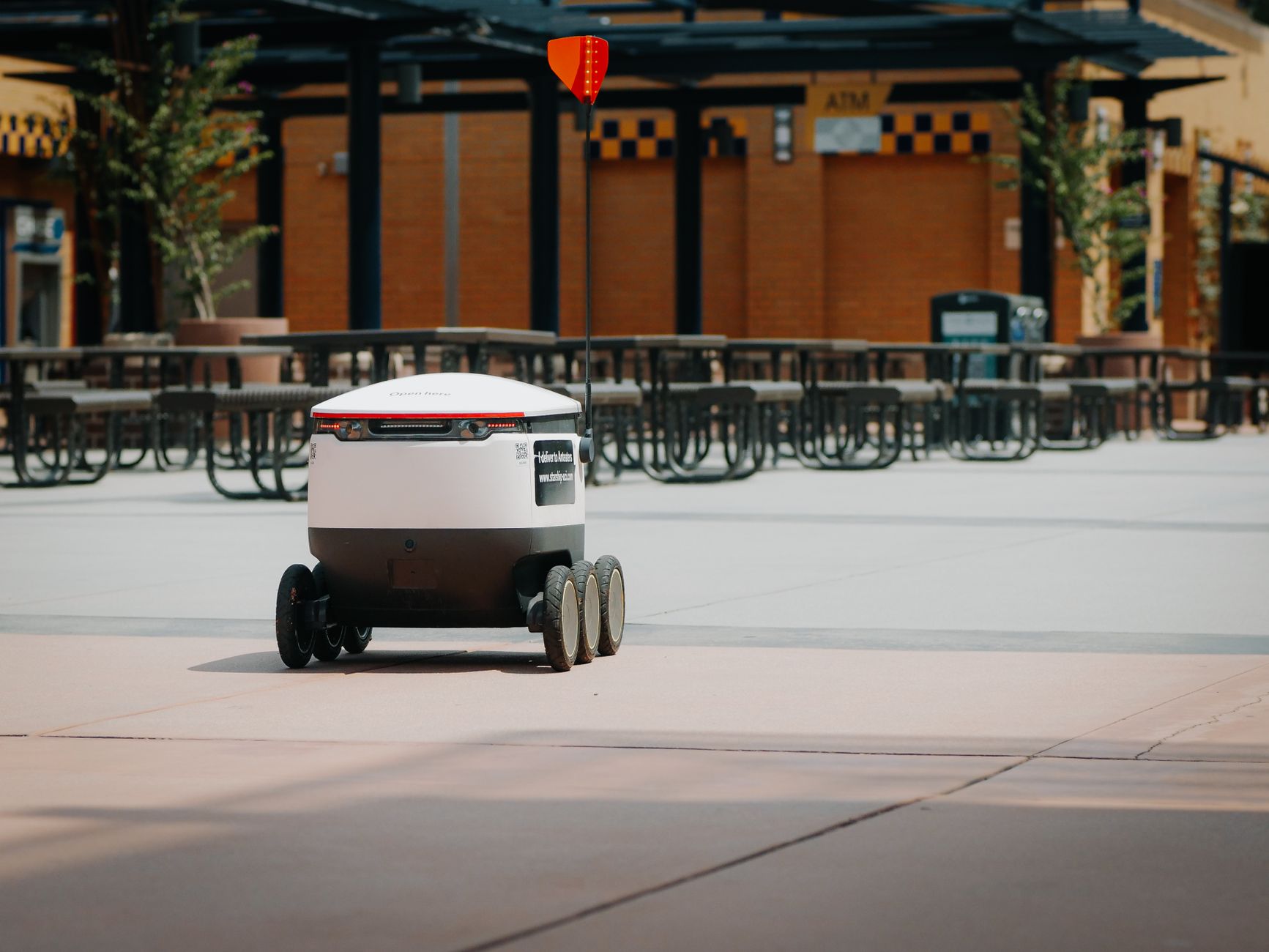

Mobile Robot Fleet Interoperability Standards are common interfaces that let autonomous mobile robots from different vendors operate in one fleet. They define how robots report location, accept jobs, and signal problems to a central controller.
This shared language replaces custom connections for each robot brand. Warehouses, factories, and hospitals use mixed fleets when one robot type cannot handle every load or aisle. A reader choosing or expanding a fleet can use these standards to compare products, reduce integration work, and keep future purchasing options open.
Table of Contents
- What these standards cover
- Why mixed fleets fail without them
- How to buy for compatibility
- Practical limits to plan around
What these standards cover
These standards focus on messages between a fleet manager and individual robots. They describe orders, status updates, battery level, speed limits, error codes, and handover points such as chargers and pick stations. They also create shared map ideas such as lanes, zones, and blocked areas. Each robot usually keeps responsibility for its own driving, sensing, and obstacle avoidance.
The central system assigns work, sets priorities, and prevents traffic conflicts. This split keeps local reactions fast while planning stays coordinated. These interfaces do not replace machinery safety rules or site risk assessment. A robot can share data correctly and still need guards, markings, procedures, and on-site testing. Treat interoperability as coordination, not approval for unsupervised operation.
Why mixed fleets fail without them
Without a common interface, each robot brand needs a custom driver and separate dispatch screen. Small software changes can break the connection, and staff must learn several tools. Expansion often means staying with one supplier even when another robot fits the task better. A shared interface lets one fleet manager send jobs to different brands and track them in one view.
A small-box carrier, a heavy pallet mover, and a cleaning robot can divide work by capacity. Managers can compare performance, reroute around congestion, and keep operation running when one unit charges. Single-vendor fleets can still make sense for small, uniform sites. Mixed fleets help when loads vary, buildings grow, or uptime depends on backup options. The practical gain is choice: the site is less locked to one product line.
How to buy for compatibility
Start with tasks, not robot features. List load sizes, travel distances, door widths, floor conditions, and handover points. Then ask each supplier how its robots exchange orders, maps, and status with outside fleet software.
Use these checks during selection: Write acceptance around observed behavior on your floor. Include map updates, traffic rules, response time for faults, and access to logs. A short live trial exposes more than a feature sheet.
- Ask which open interface the robot supports and how conformance was tested.
- Ask who maintains the connection when either side updates software.
- Run a pilot with at least two brands under one fleet manager.
- Measure missed handoffs, deadlocks in narrow aisles, and recovery after Wi-Fi drops.
Practical limits to plan around
Wireless coverage, map differences, and traffic rules cause most problems. Robots may label the same aisle differently, lose signal behind racks, or queue at one charger. Differences in turning radius, braking distance, and load overhang also affect shared lanes. People, pallets, and temporary barriers add uncertainty no interface can remove. Seasonal layout changes, peak-hour congestion, and mixed pedestrian traffic need clear zones and operating rules.
Staff should know how to pause a robot, clear a fault, and report repeat trouble spots. Version drift is another limit. A fleet manager update or robot firmware change can alter message behavior. Keep one test area, keep software versions recorded, and repeat key travel and docking checks after updates. Walk the site with operations and IT before signing, and put support duties and response times in the purchase order.