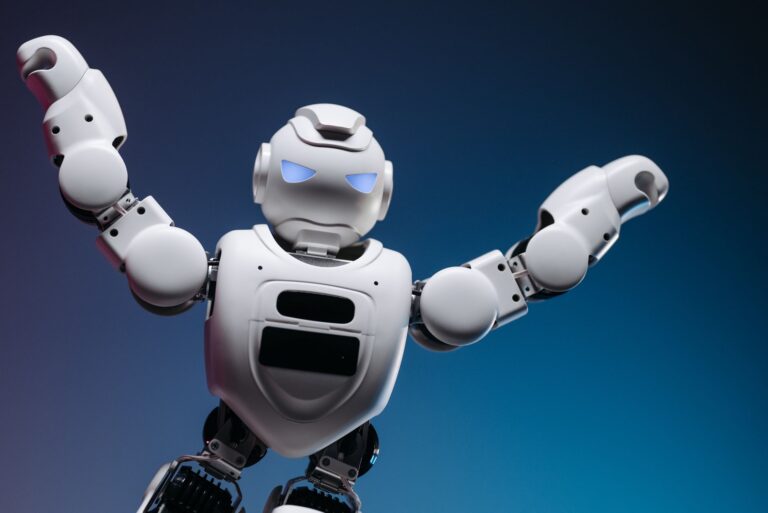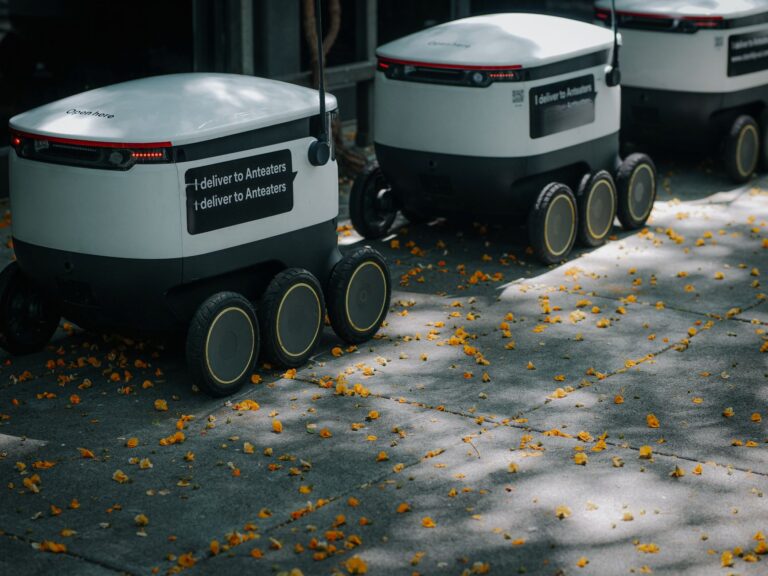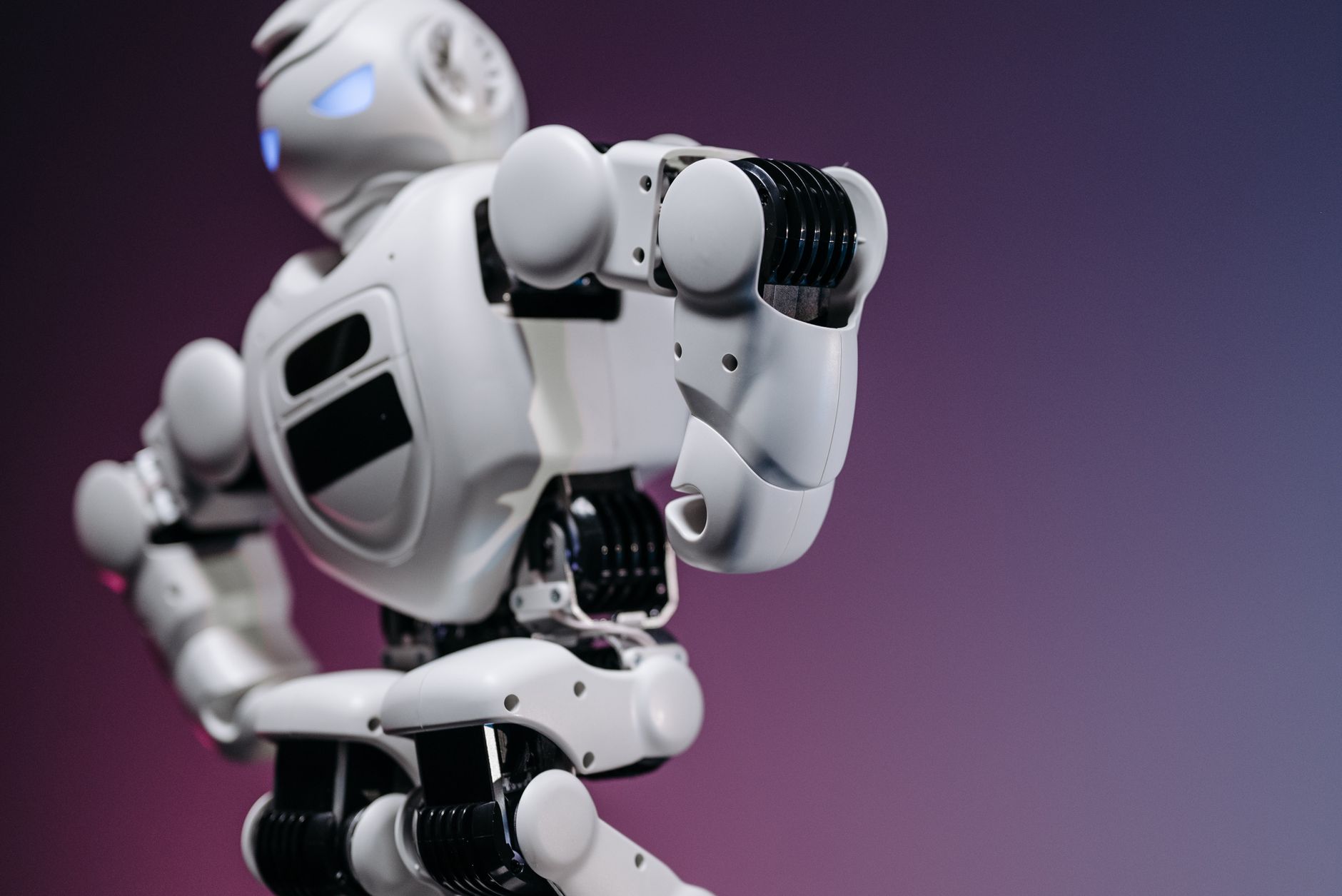

Robotics IPO means input-process-output. It is a simple way to see every robot as sensors taking in signals, a controller running code, and motors or screens producing action. For beginners, the model helps choose parts and plan first builds. You match each part to one stage so nothing is missing.
Table of Contents
- What happens at each IPO stage?
- Which parts map to input, process, and output?
- What controller should a beginner start with?
- What makes a good first wheeled project?
- What if you have no hardware yet?
What happens at each IPO stage?
Input is information from the environment. A touch switch, distance sensor, or light sensor detects a condition and sends a signal inward. Process is decision code on a small computer.
FutureLearn describes this model in its Teaching Physical Computing course as input triggering programmed processing that produces output. Output is action on the environment. Motors move wheels or arms, while lights, displays, or speakers show a result.
Which parts map to input, process, and output?
A controller is the process stage. It reads sensor inputs, runs the program, and sends commands to actuators.
Sensors are inputs and actuators are outputs. NASA classroom materials use this same split for rover sensors, processors, and actuators. A beginner set therefore needs all three types:.
- one or two sensors for input, such as distance or line sensors
- one programmable controller for process
- one or two actuators for output, such as DC motors, LEDs, or a display
What controller should a beginner start with?
Arduino is a common first controller. SparkFun explains in its What is an Arduino guide that it combines a programmable board with software that uploads code over USB in simplified C++. That setup removes the need for a separate programmer.
You connect a sensor and motor, write a short program, and test the IPO loop. The official starter hardware builds on the same idea. Arduino documents 13 to 14 guided projects in its Starter Kit R4 docs, from blinking LEDs to reading sensors, driving motors, and later adding Wi-Fi, Bluetooth, and IoT.
What makes a good first wheeled project?
A practical first robot uses two DC motors, a motor controller, a 4xAA battery pack, an ultrasonic distance sensor, and a line-following sensor. The distance sensor handles obstacle input and the line sensor handles track input. Weak batteries are a common failure point.
The Raspberry Pi magazine build report warns in its CamJam EduKit robotics guide that weak batteries often cannot drive the wheels. Start with fixed behavior, then add reaction. Adafruit shows a simple Raspberry Pi robot with two wheels, a caster, and Python drive commands but no sensors, so learners later add distance sensing, a camera, or web control.
What if you have no hardware yet?
A virtual robot can teach the same loop. Carnegie Mellon offers touch, color, distance, and gyro sensors plus displays, LEDs, drive motors, an arm, and a claw across more than 75 environments.
Use it to practice mapping signals to motion. Then move the same IPO plan to physical parts when ready.