
DIY robotics in 2026 can support practical projects from simple wheeled machines to mobile robots that map spaces and avoid obstacles. Success depends on matching the design to measurable tasks, controlling physical and digital risks, and testing under real deployment conditions. Tutorials can teach assembly and programming, but they do not prove that a robot is safe or reliable. Raspberry Pi's official 2026 Handbook, for example, is a project collection rather than a safety or deployment standard.
Table of Contents
- What can a DIY robot realistically do?
- How should you choose and use tutorials?
- What does safe deployment require?
- Which deployment tests matter?
- What changes when the robot is connected, airborne, or used by children?
What can a DIY robot realistically do?
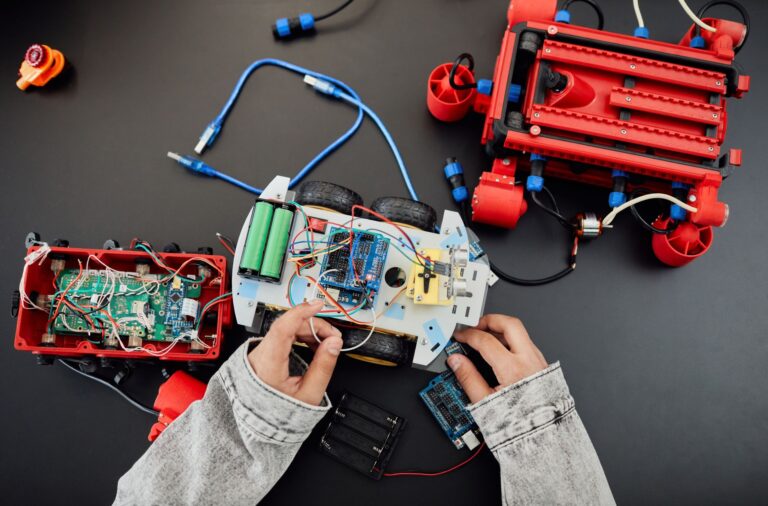
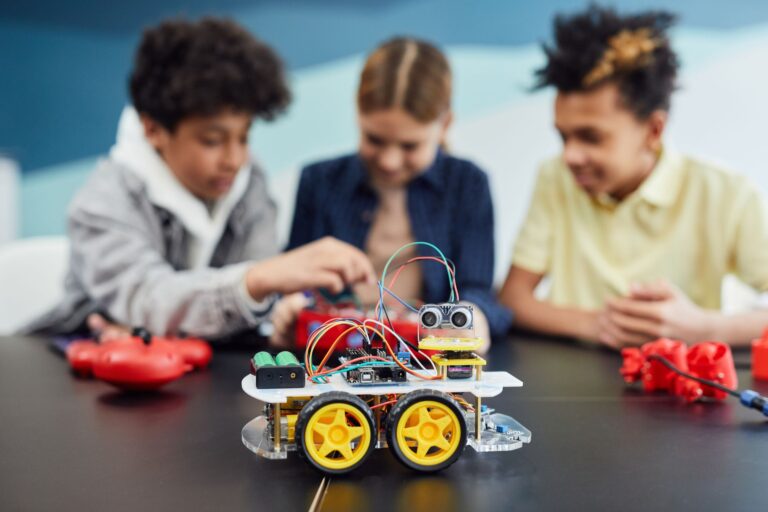
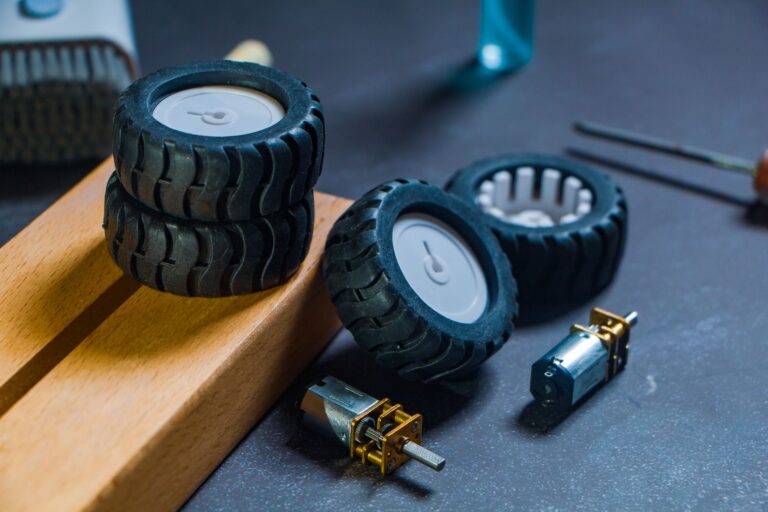
A basic wheeled robot needs a controller, motor driver, regulated power supply, chassis, motors, and sensors. The controller reads sensor data and issues commands, while the motor driver handles the electrical load required to move the motors. More advanced mobile robots can combine onboard sensing, control, mapping, and obstacle avoidance.
These features enable navigation, but "autonomous" does not mean reliable under every condition. NIST documents slippage, uneven floors, vibration, moving loads, and forced relocalization as continuing failure conditions for mobile robots. Its mobility performance program therefore evaluates specific capabilities instead of treating autonomy as one proven feature.
How should you choose and use tutorials?
Start with a project that matches your current skills and has clear wiring diagrams, software requirements, and expected behavior. A beginner mobile robot should move slowly, operate in a controlled area, and provide easy access to its power switch. Check whether a tutorial explains the complete electrical system.
Raspberry Pi warns that motors generate electrical noise and that its computer requires smooth 5 V power. A design should therefore account for regulation, motor interference, current demand, and a common electrical reference where required. Before building, ask:.
- Does the tutorial specify compatible controllers, drivers, motors, and sensors?
- Does it separate logic-power needs from motor-power demands?
- Can the robot stop safely after a sensor, software, or communications failure?
- Does the code expose speed limits, calibration values, and emergency behavior?
- Has the design been tested on the surface and with the payload you intend to use?
What does safe deployment require?
Begin with hazards, not features. Identify moving parts, pinch points, sharp edges, hot components, batteries, unexpected startup, loss of control, and every path where a person could enter the robot's workspace. Industrial standards can inform design decisions, but their scope matters.
ISO 10218-1:2025 covers inherently safe industrial-robot design, risk reduction, and user information; ISO 10218-2:2025 covers integration into applications and cells. The standard does not cover consumer, public-access service, medical, airborne, military, or people-lifting robots, according to the ISO scope statement. For collaborative workplace robots, OSHA calls for a comprehensive hazard analysis and an application-specific risk assessment. The review should address contact power and force, along with safeguards such as speed-and-separation monitoring or power-and-force limiting.
Which deployment tests matter?
Define success as observable performance. A robot that navigates an empty room may fail near reflective surfaces, across floor transitions, while carrying a shifting load, or after losing its location estimate.
Write test conditions before field use: Run trials at reduced speed and expand the operating area gradually. Record failures, software versions, payloads, and environmental conditions so a successful run can be reproduced rather than remembered vaguely.
- Navigation area, route width, surface type, slopes, and transitions
- Static, moving, low-profile, and partially hidden obstacles
- Docking position, approach angle, and acceptable alignment error
- Minimum and maximum payload, including loads that can move
- Lighting, vibration, dust, access restrictions, and nearby people
What changes when the robot is connected, airborne, or used by children?
A network connection creates another failure path. NIST's manufacturing guidance calls for controls that prevent unapproved software, detect anomalous network activity, track hardware and firmware changes, secure remote access, and enforce user authentication and authorization. Builders should remove default credentials, restrict remote control, document updates, and decide how the robot behaves when connectivity disappears. Airborne projects face specific operating rules.
In the United States, recreational DIY drone pilots must maintain visual line of sight, yield to other aircraft, follow airspace and altitude requirements, and complete TRUST. Registered drones generally must broadcast Remote ID unless flown in an FAA-recognized identification area, as detailed in the FAA recreational flyer rules. Robots and companion apps directed to children under 13 can trigger COPPA obligations. These include notice, verifiable parental consent before personal-data collection, security safeguards, and deletion rights. The FTC's 2025 Apitor case alleged that a robot-toy app collected children's geolocation without parental consent, so builders should inventory every identifier, location field, account record, and third-party data transfer before release.
You Might Also Like
- Exoskeletons Robotics 2026 Guide: capabilities, safety, and deployment; Key Facts and Questions to Ask
- Legged Robots 2026 Guide: capabilities, safety, and deployment; Key Facts and Questions to Ask
- What Is New With Tutorials and DIY Robotics in September 2026? Latest company releases and research papers and Key Takeaways